The following minor changes / updates have been applied to GeniusATS.
1.0 Alphabetical Order Sorting
The following dropdown areas have been updated to show lists in alphabetical order:
1.1 SYSTEM
- Reports are now in Alphabetical order
- AI Companies/Job-Titles are now in Alphabetical order
- Brands are now in Alphabetical order
- Business Areas are now in Alphabetical order
- My Locations/My Sectors/My Departments are now in Alphabetical order
- Agency Contacts are now in Alphabetical order
1.2 TALENT
- Talent Pools are now in Alphabetical order
- Managing Talent Pools, the Keywords and TP Managers are now in Alphabetic Order
1.3 VACANCY SETTINGS
- Assessments are now in Alphabetical order
- Interviews are now in Alphabetical order
- Onboarding Packs are now in Alphabetical order
- Locations are now in Alphabetical order
1.4 USERS
- Editing a user, their Locations/Sectors/Departments are now in Alphabetic Order
1.5 AGENCIES
Agencies (Assigned & Lookup) now in Alphabetical Order
2.0 VACANCY TEMPLATES
Added a ‘sort’ feature to manage columns

3.0 VACANCY LIST
Search filter added (for title and/or VacancyId)

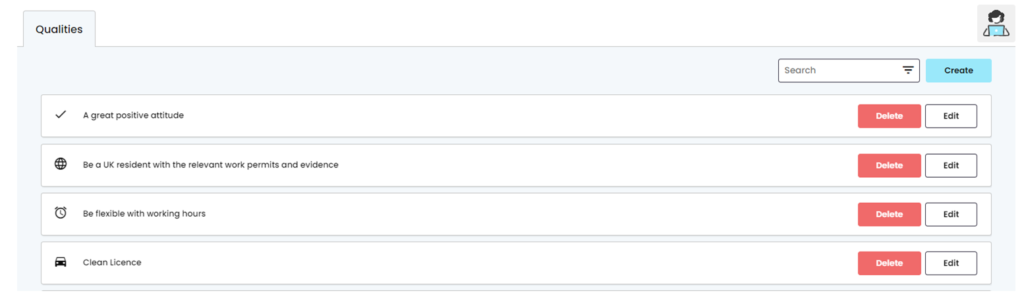
4.0 QUALITIES
Layout / design – padding reduced so more items visible on page
5.0 LABELS / TITLES ONBOARDING
Consistency – Titles updates (Onboarding Documents Area)

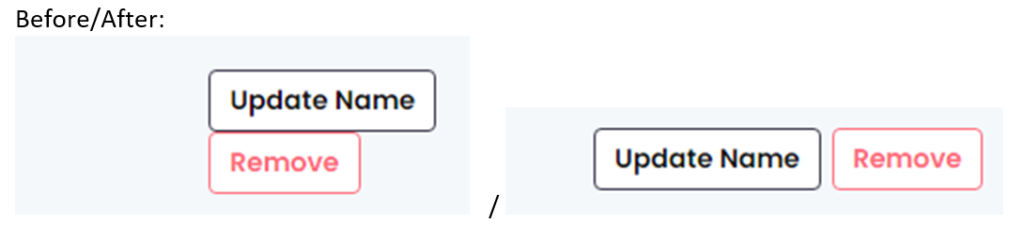
6.0 WORKFLOW BUTTON ALIGNMENT
7.0 ONBAORDING [SUBMIT] BUTTON
Onboarding Pack Mail Merge form submit button disabled until document name entered and document selected/uploaded to prevent invalid/incomplete documents being added.
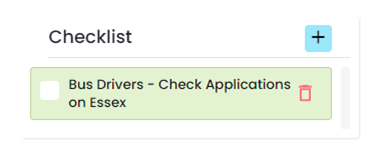
8.0 ToDo List
Label changed to Checklist
9.0 SYSTEM CALENDAR
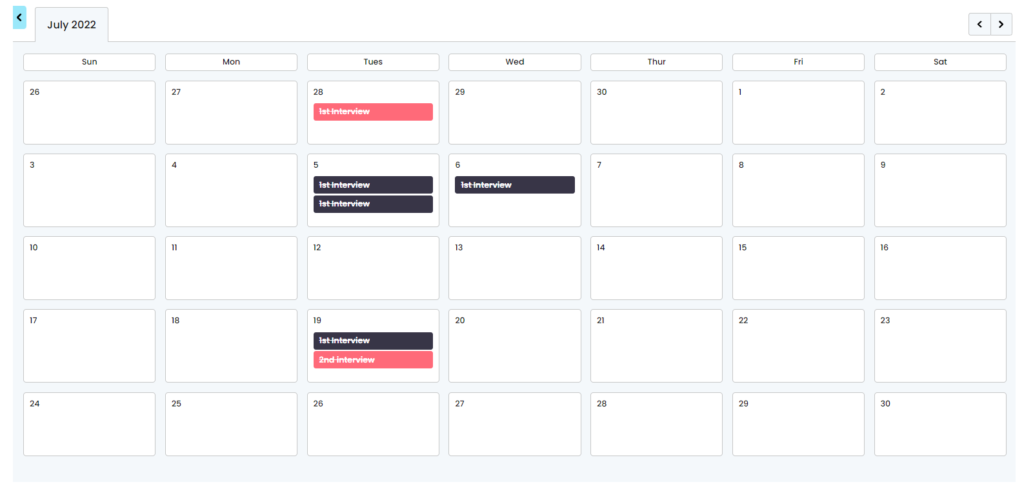
System Calendar now has some better left/top/right margin and doesn’t go underlap the little blue arrow on the left panel.
10.0 GLOBAL SEARCH (BUG FIX)
Global Search fixes a bug where if you search for E.G Leeds, then closed the search. You couldn’t search for Leeds again without first searching for something else.