To delete a User Group, you must first clear the users from the group, then click on the ‘bin’ icon on the group and the following pop up will appear
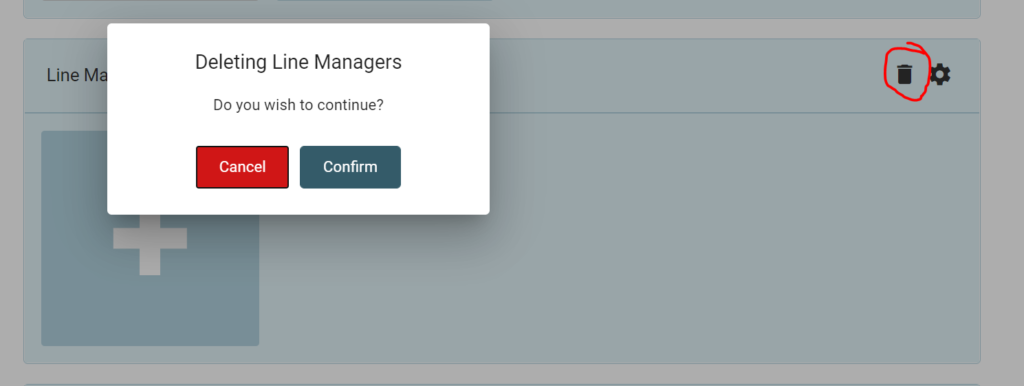
Click [Cancel] to cancel the request or [Confirm] to remove the user group
To delete a User Group, you must first clear the users from the group, then click on the ‘bin’ icon on the group and the following pop up will appear
Click [Cancel] to cancel the request or [Confirm] to remove the user group