Customise your application forms, per vacancy
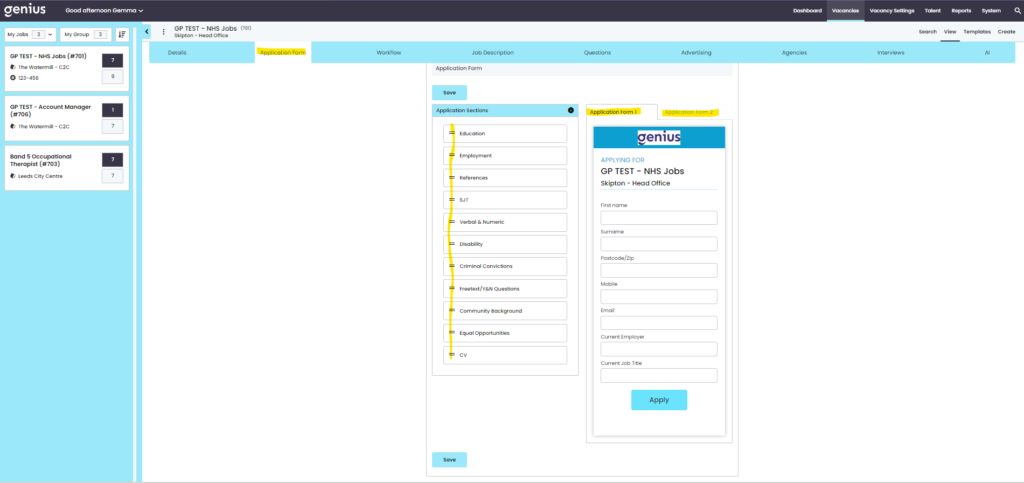
GeniusATS offers the candidate a number of options when applying for a vacancy. The application form is created in the control panel as part of the vacancy creation, where the user determines which questions, such as Education, References and which SJT, V&N, Freetext and Knock Out Questions are asked as part of the application. These can be asked upfront or at a later stage (RFMI) in the recruitment process.
Drag and drop the Application Sections required on a vacancy by vacancy basis from the left to the right to view the questions in each section.
- The questions in each section are standard (not configurable)
- You can also click on the [x] to remove a section from the list on the right hand side.
What do you want to know and when?
On a vacancy-by-vacancy basis, the application can be split into two ‘sections’ of information from the candidate.
- Application 1
- Application 2
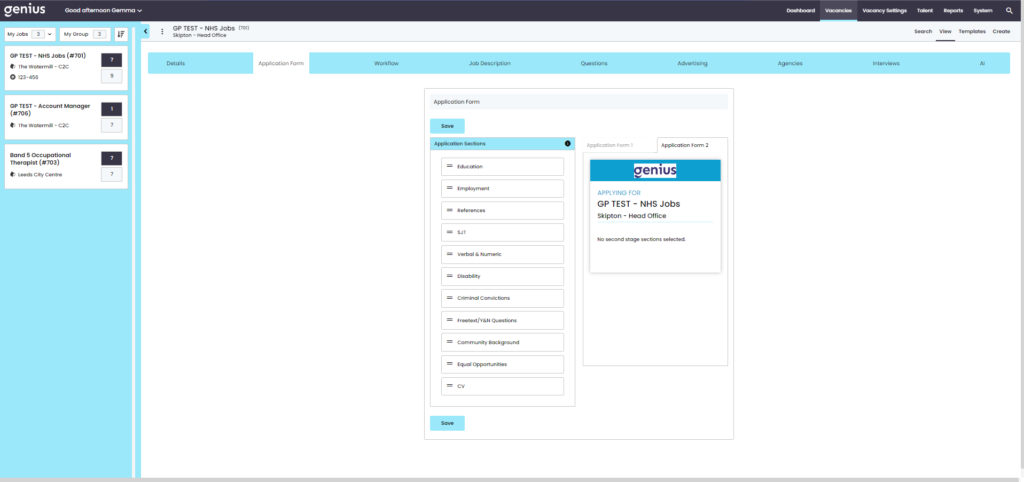
- Application form 2 is associated to Request for More information Workflow stages, if that stage is not added to the workflow then the Application form 2 will not been seen by the candidate
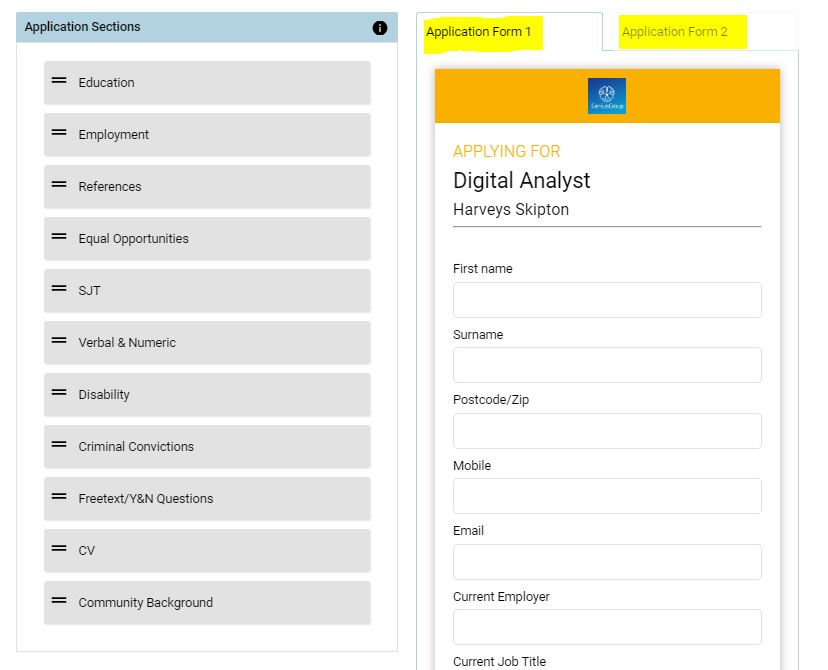
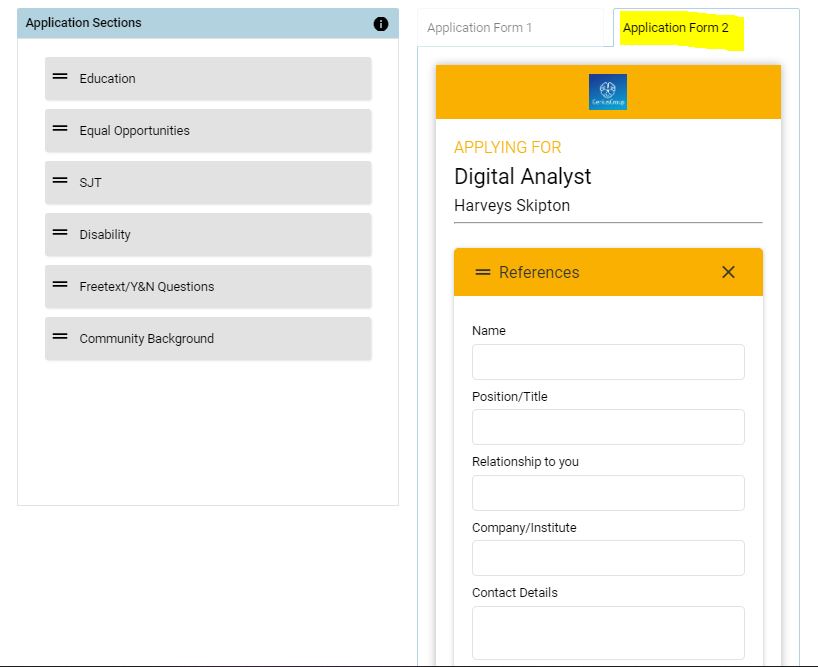
For example, a template may be required which allows candidates to ‘quick apply’ with minimal information i.e. name, address, current role and employer and then you may wish to ask for further information further into the application process, such as references, CV, Employment History and so on.
Chose the questions required for the initial application for the vacancy in Application 1 and if you wish to evoke a Request for Further Information (RFMI) at a later stage, use the Application 2 area.
Example Below:
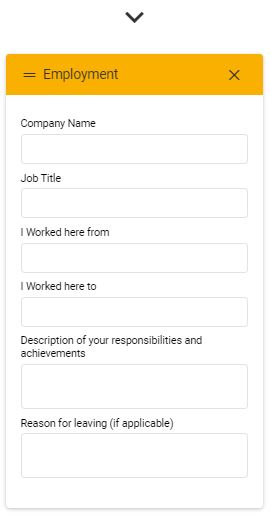
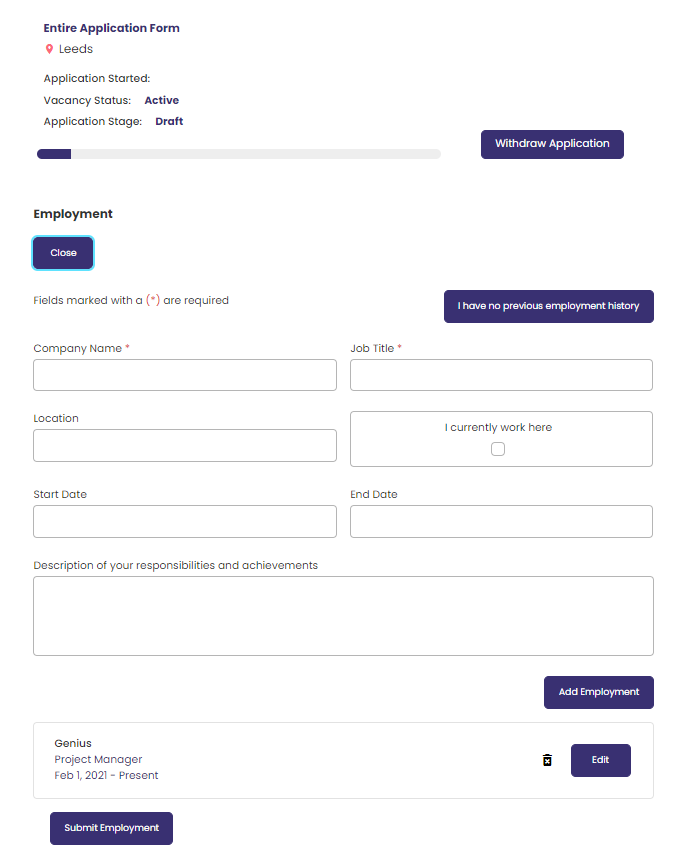
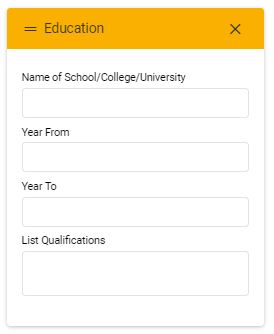
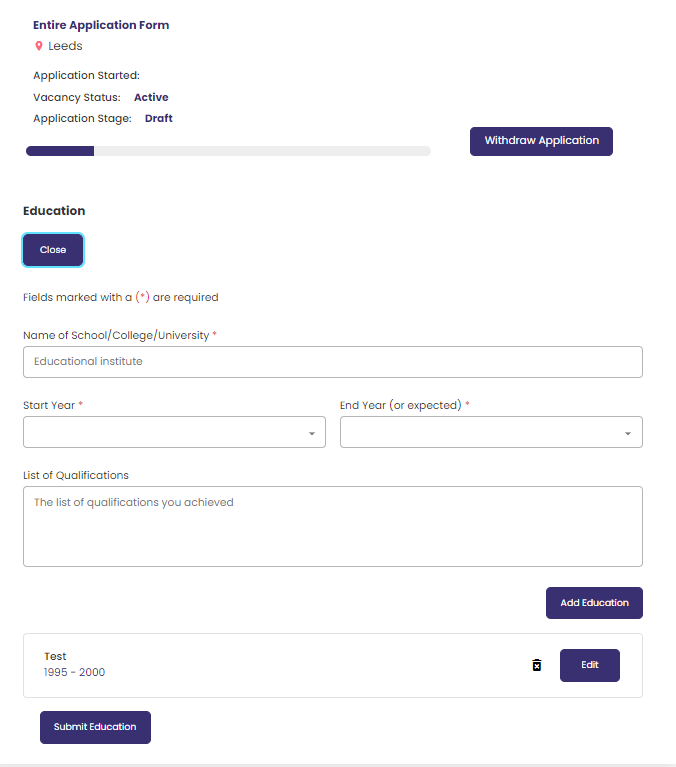
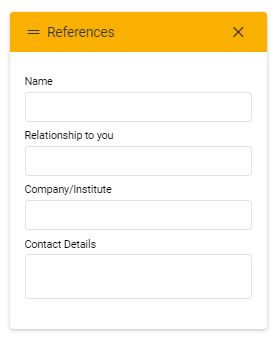
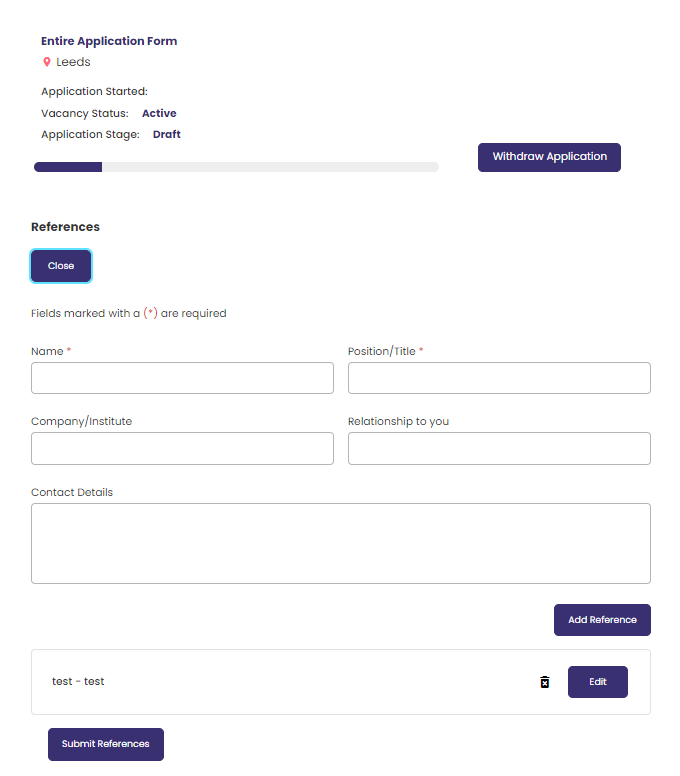
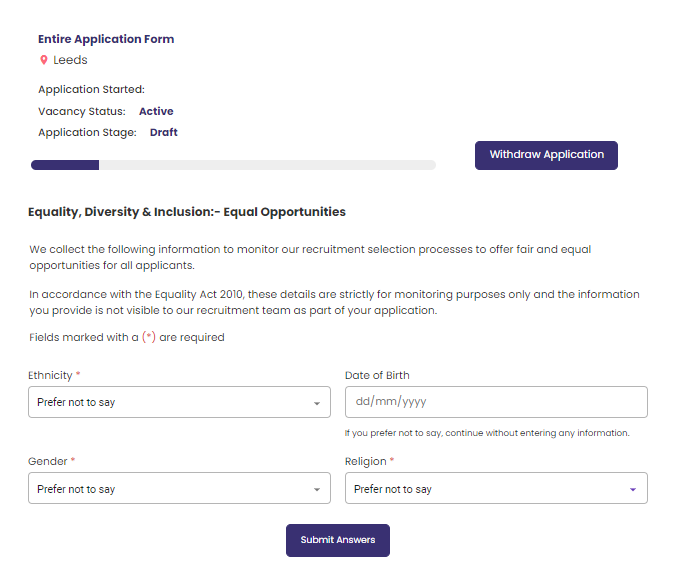
The following sections show the standard questions which can be presented to an applicant on a vacancy by vacancy basis. The wording in these sections can NOT be edited by control panel users and are universal across the system to all Customers.
When creating the vacancy users can choose to use any, some or none of these sections.
Front End
Front End
Front End
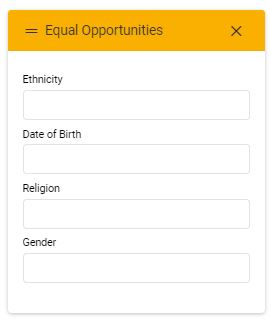
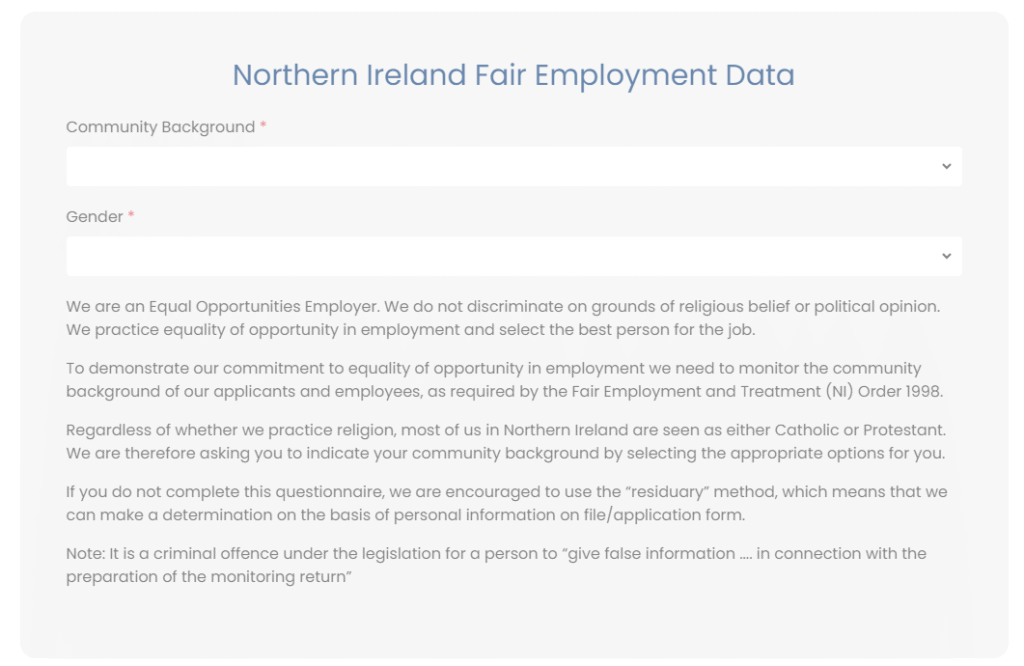
Users should note that this question is compulsory on ALL vacancies based in Northern Ireland and needs to be added to the template.
Front End
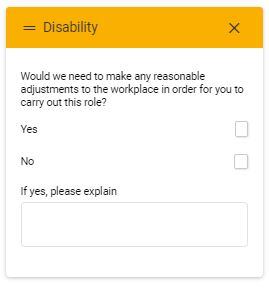
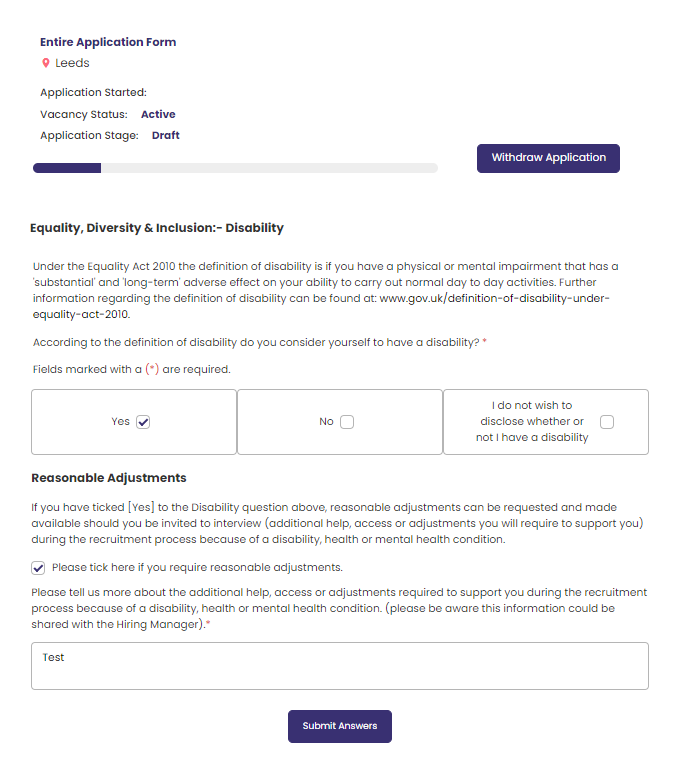
Front End
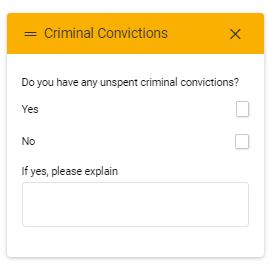
Front End
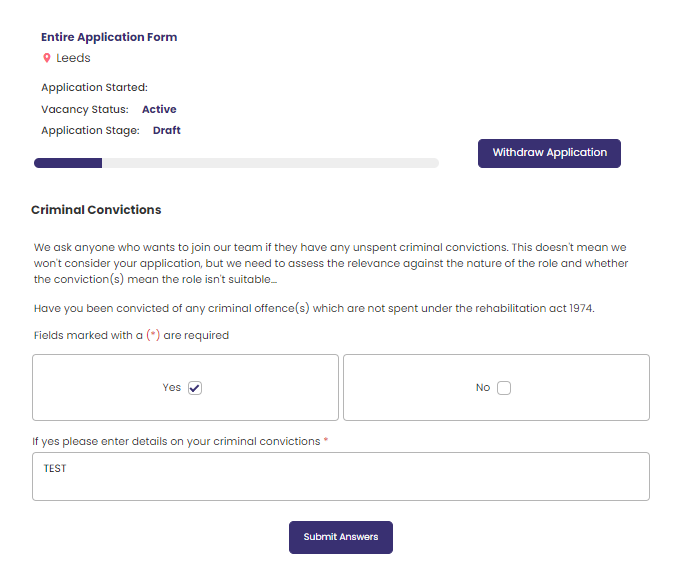
Application Form Questions
When setting up the vacancy application the following questions can be added.
Note: These are placeholders at this stage of creating a vacancy, the actual tests are associated to the vacancy in the Questions section of the vacancy.
Field Limitations:
Candidate/Applicant Profile
- Forename
limited to 50 characters - Surname
limited to 50 characters - Phone
limited to 20 characters - Employer
limited to 255 characters - Job
Title limited to 255 characters
Candidate/Applicant Address
- House Number limited to 100 characters
- Address1 limited to 100 characters
- Address2 limited to 100 characters
- Town limited to 100 characters
- Postcode limited to 10 characters
- County limited to 100 characters
- Country limited to 60 characters
Candidate Education
- School
limited to 100 characters - Qualification
limited to 100 characters
Candidate Employment
- Job
Title limited to 100 characters - Company
Name limited to 100 characters - Location
limited to 100 characters
Candidate Reference
- Name
limited to 100 characters - Company
limited to 100 characters - Position
limited to 100 characters - Relationship
limited to 100 characters - Email
limited to 255 characters - Tel
limited to 20 characters - Address
limited to 255 characters
Custom Forms
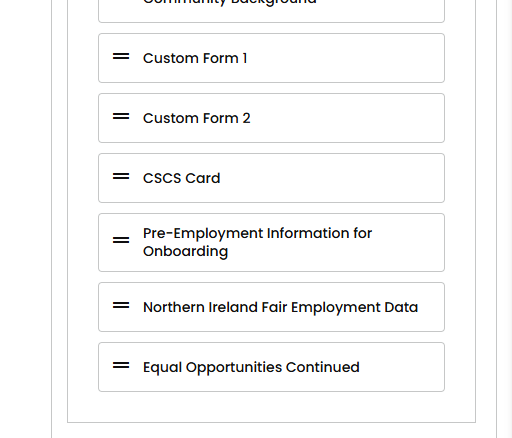
Custom Forms give you the ability to personalise your application form, if the ATS does not cover everything you want.
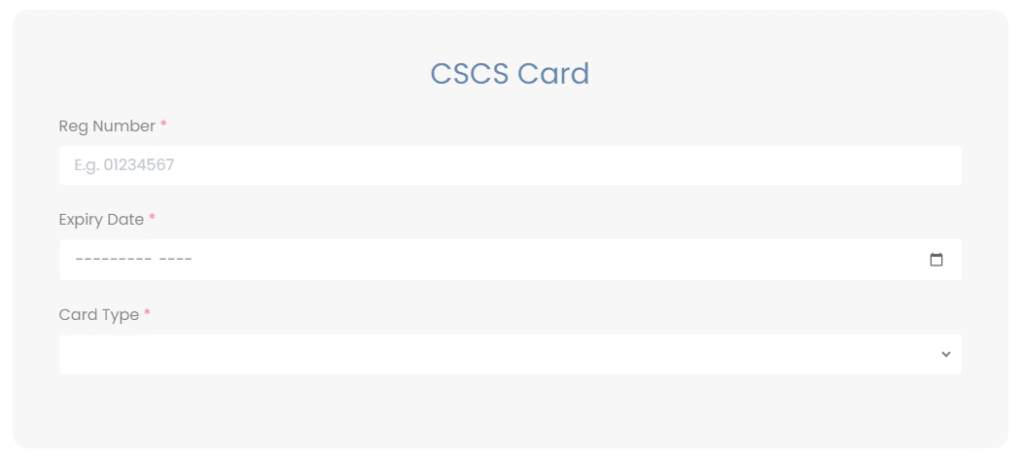
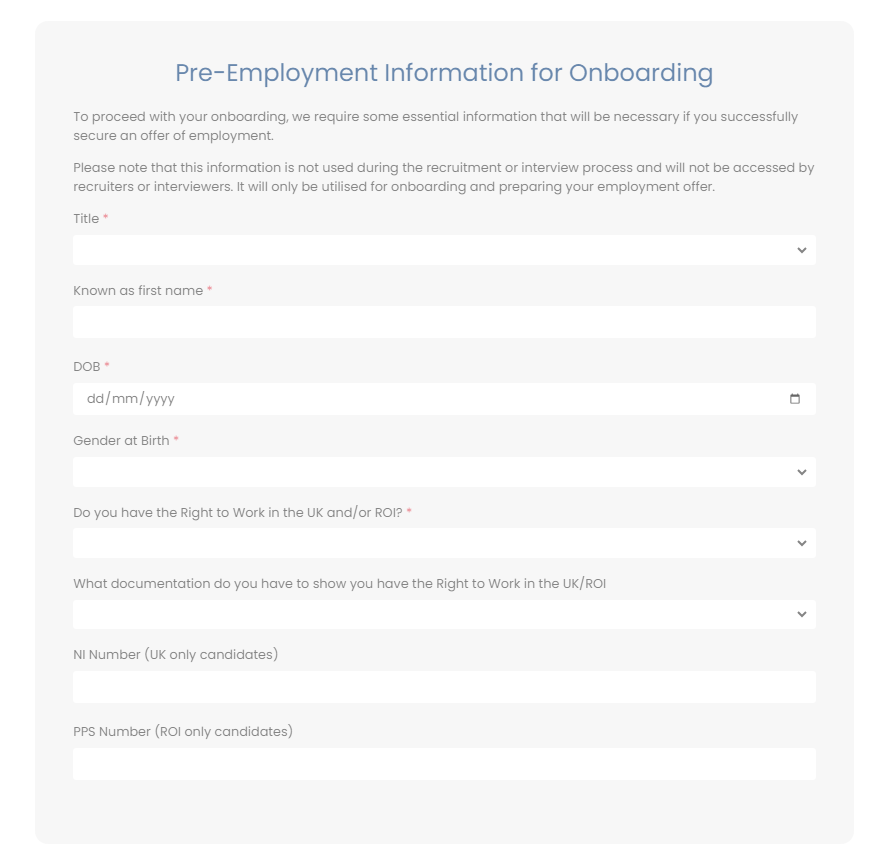
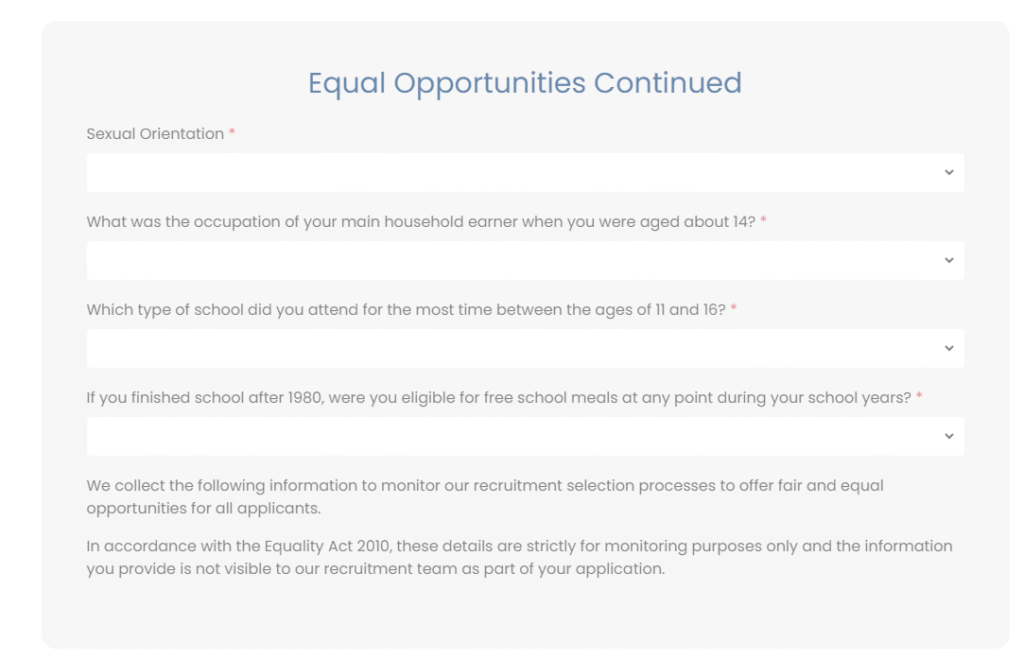
For example if you have ED& I information that is covered in the standard Equal opportunities section and need specific information or you have specific questions you have to ask for example CSCS card information or Pre employment information for onboarding. Examples below of what you section could be like.
Front end Examples