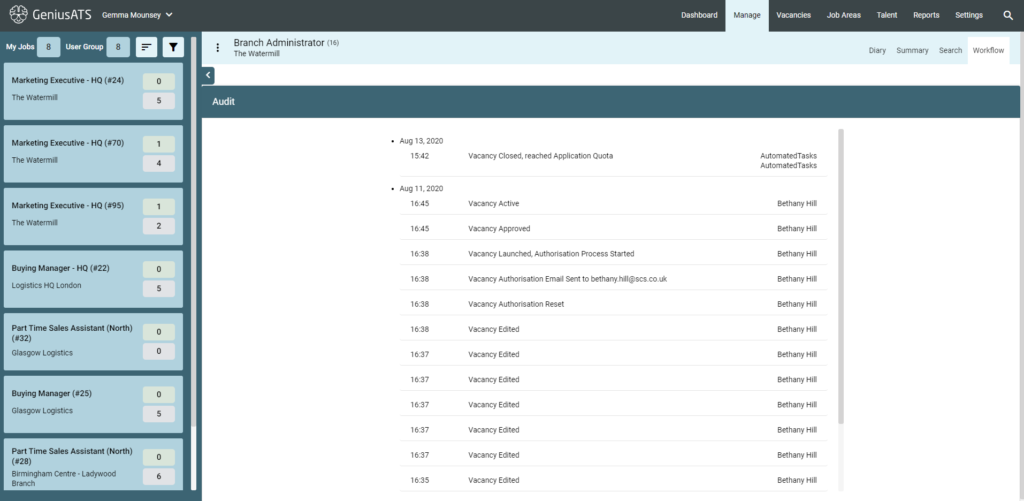
The vacancy audit can be accessed in two ways, on a live vacancy and a closed vacancy.
Live Vacancy Audit
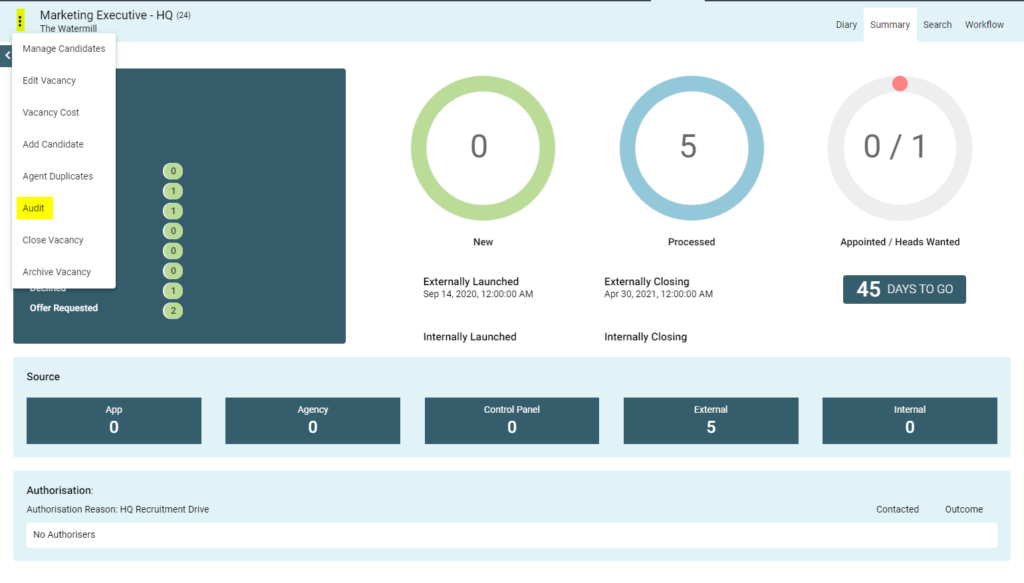
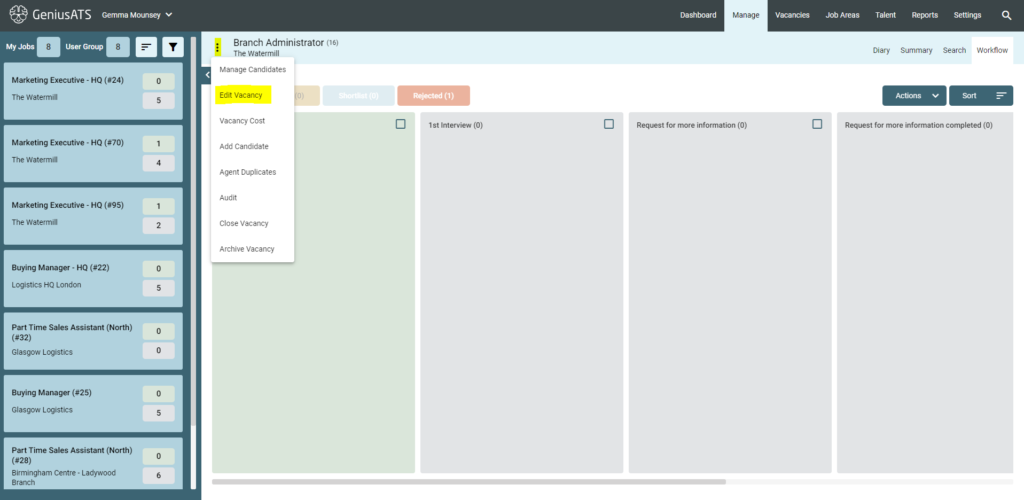
To view the vacancy Audit, go into the live vacancy, click the three dots next to the vacancy title and select Audit.
Closed Vacancies
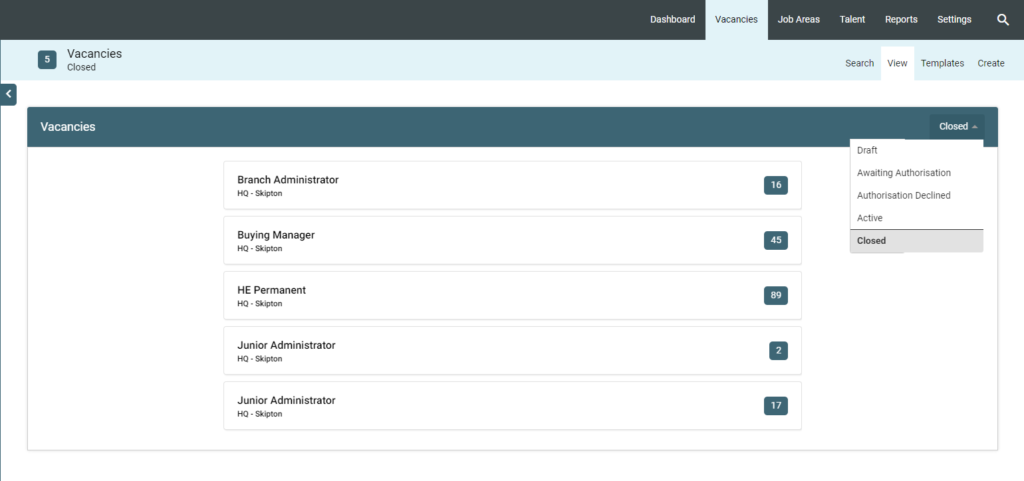
To view the audit of a closed vacancy, go to
Vacancies > View > Closed and Select the vacancy you wish to view
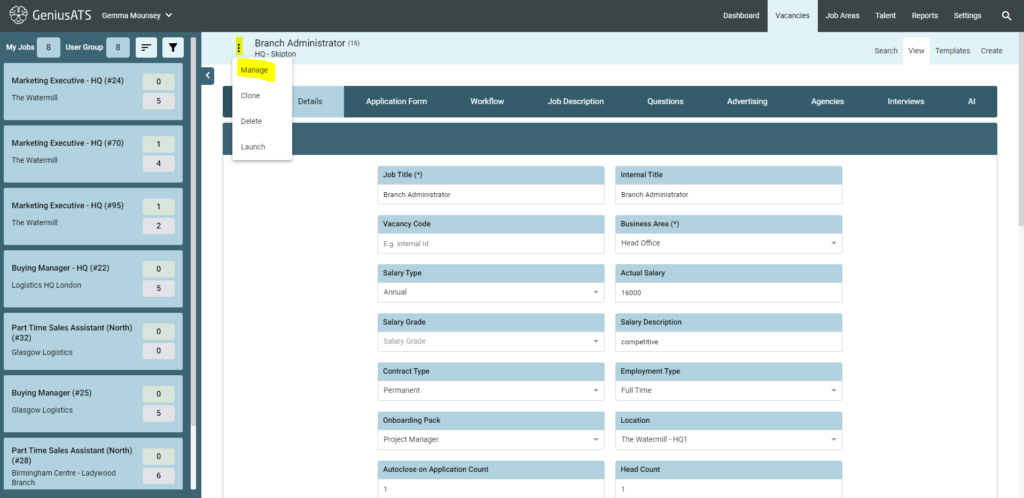
You will see the vacancy details page. Click on the three dots next to the vacancy title and select [Manage]
Click the three dots next to the Vacancy Title and select [Audit]
Here the vacancy Audit information page will be displayed