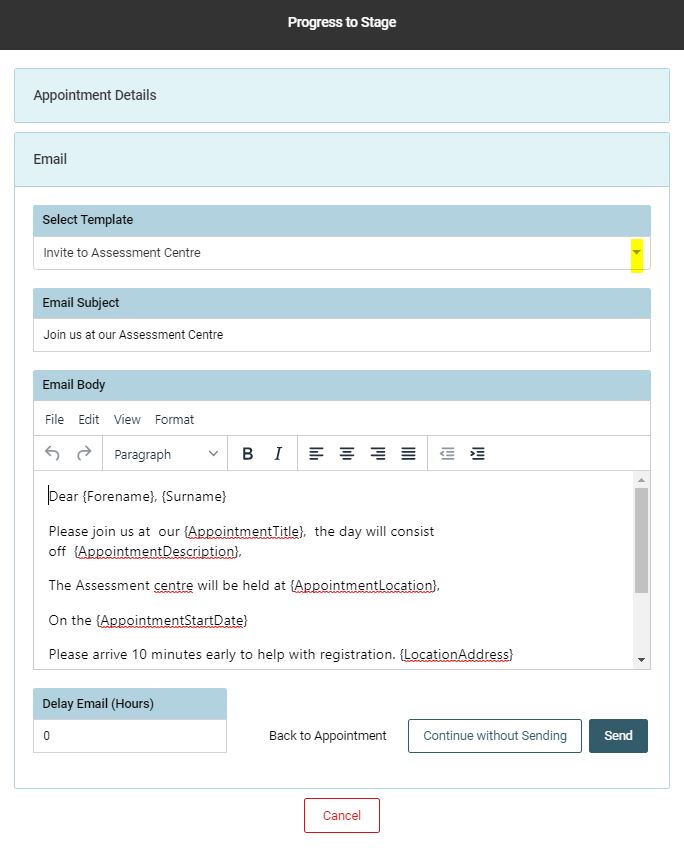
To add a candidate to an appointment, the candidate needs to be moved within the workflow to a stage which evokes the diary pop up for an appointment, such as; Example: ‘First Interview’.
The following pop up will appear, presenting the user with the options to:
- Use existing appointment
- Create an appointment
- Continue without appointment
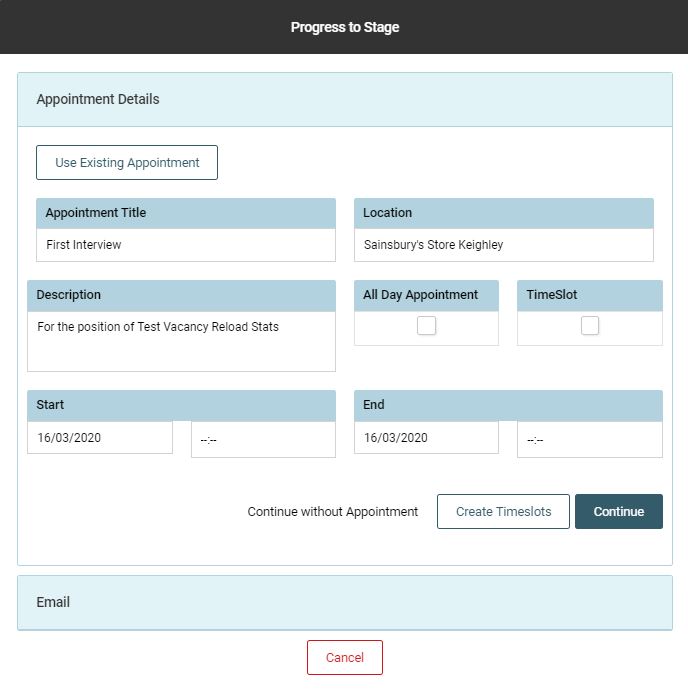
Use an Existing Appointment
Click [Use Existing Appointment] and a list of existing appointments will be presented:
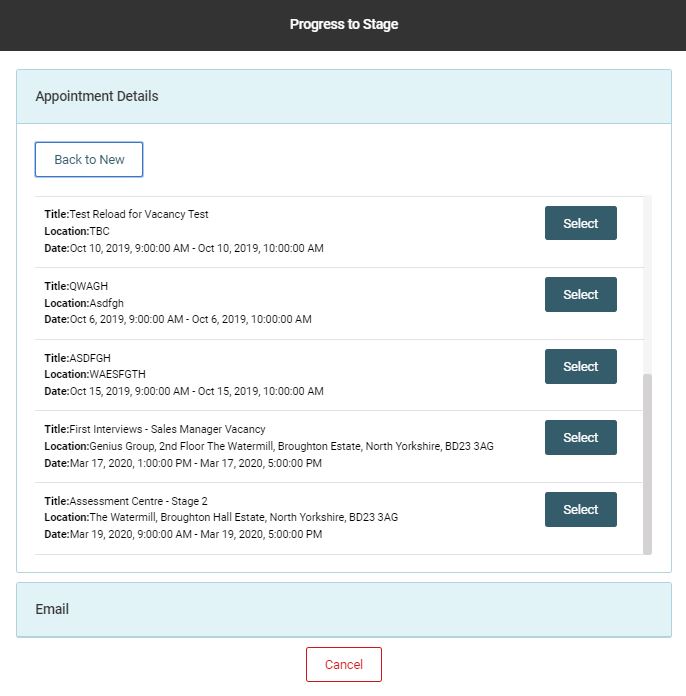
Select the appointment you wish to add the candidate to and the screen will adjust to show email templates. Select the correct communication
Example: Invite to Assessment Center