If you have forgotten your password:
- Open GeniusIQ
- Click [here] at the bottom of the login screen
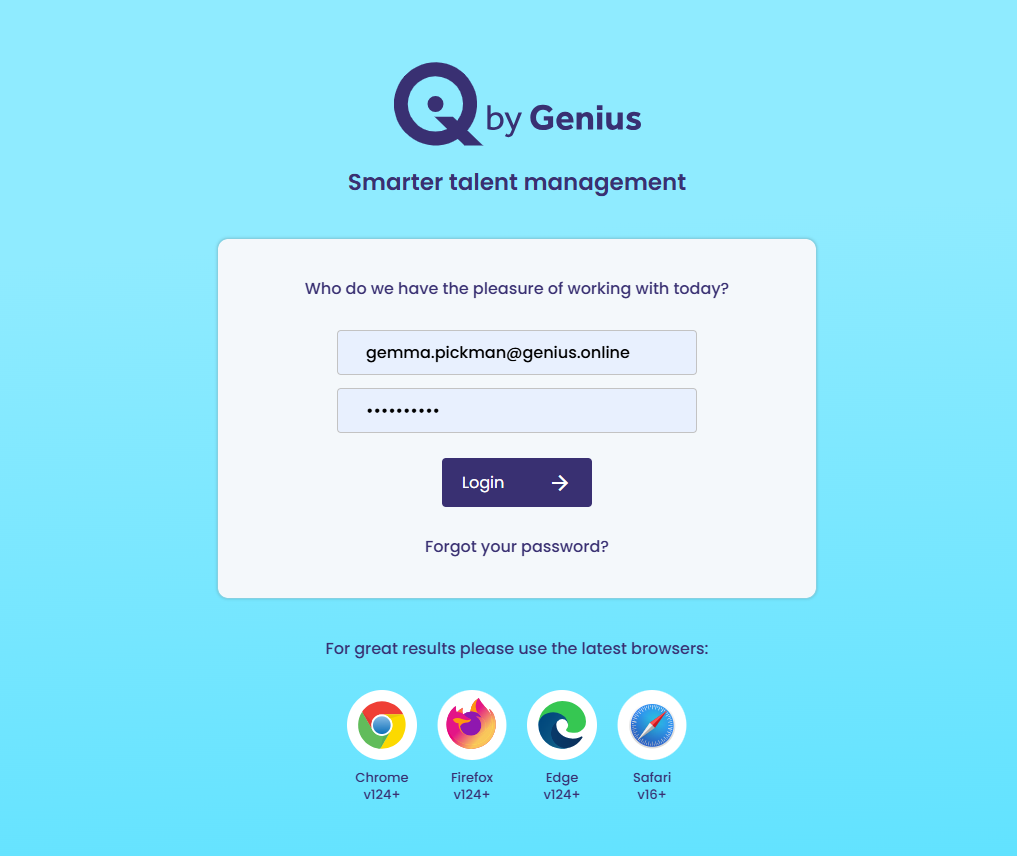
A new pop up will appear.
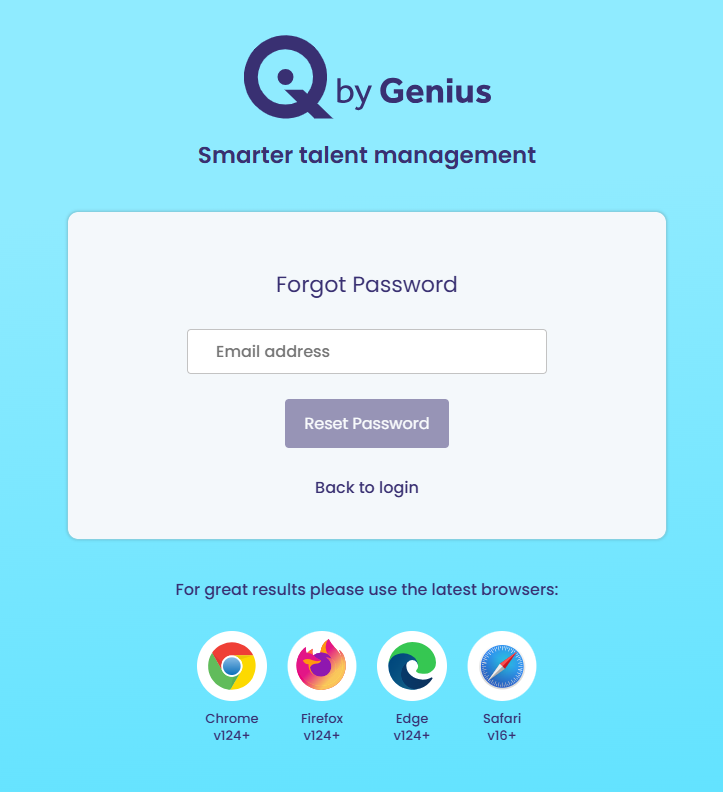
Add your email address and click [Reset Password]
You will be sent an email with a link, click on the link and change your password
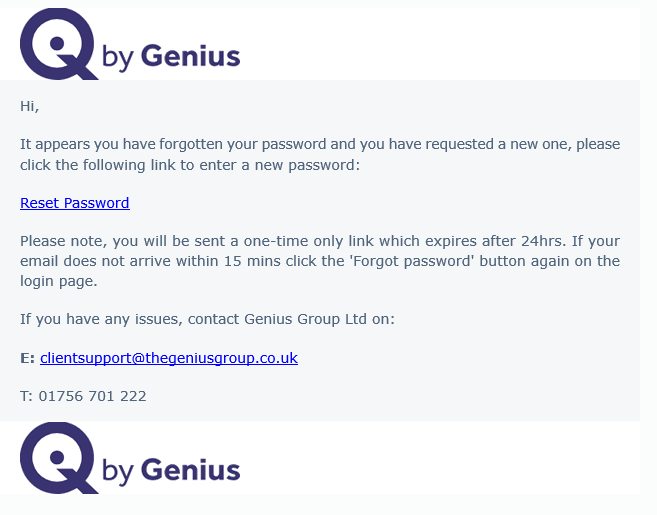
You will now be able to reset your password and logged into the system once done
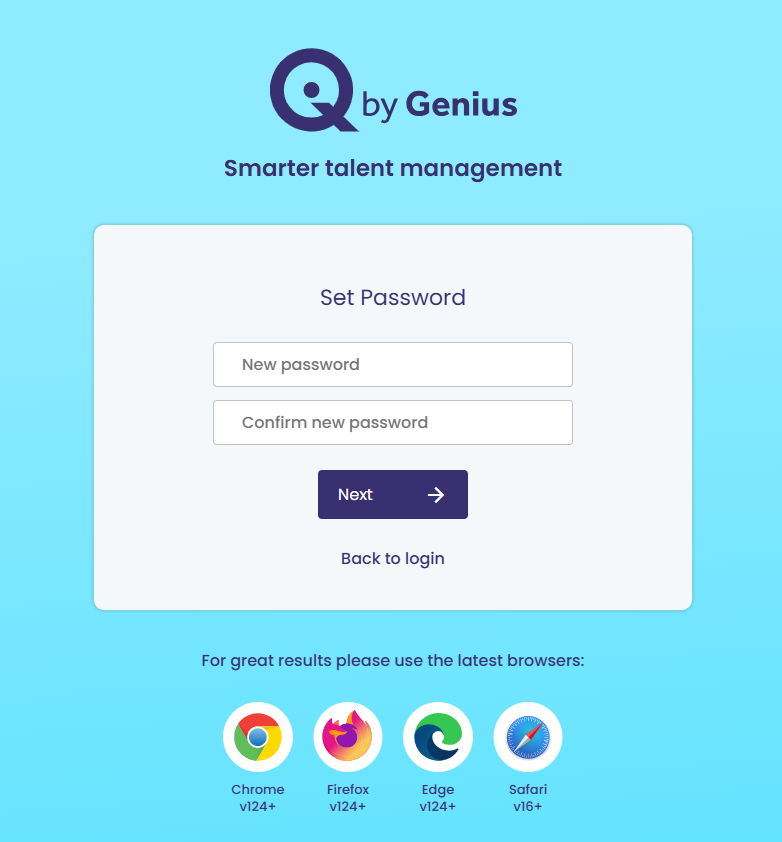
automatically logged into the system