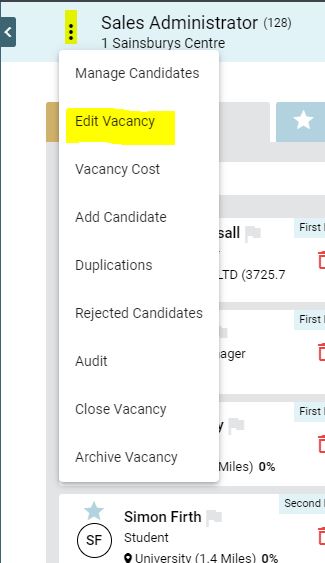
To ‘clone’ an existing vacancy template, go to the vacancy and click the action button next to the vacancy title [Edit vacancy]
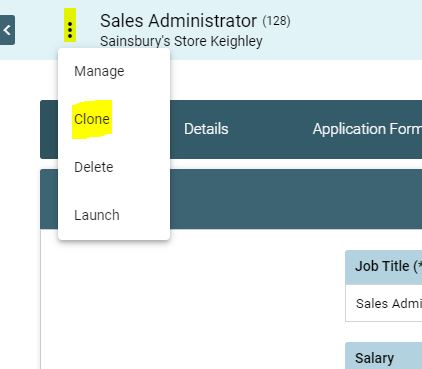
Once in the vacancy page, click on the action button next to the vacancy title and click [Clone].
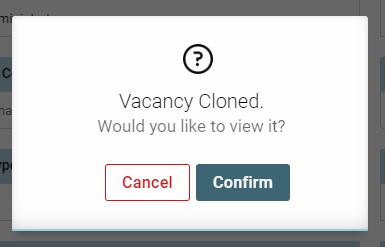
A pop up will appear, click [confirm] to view the cloned vacancy
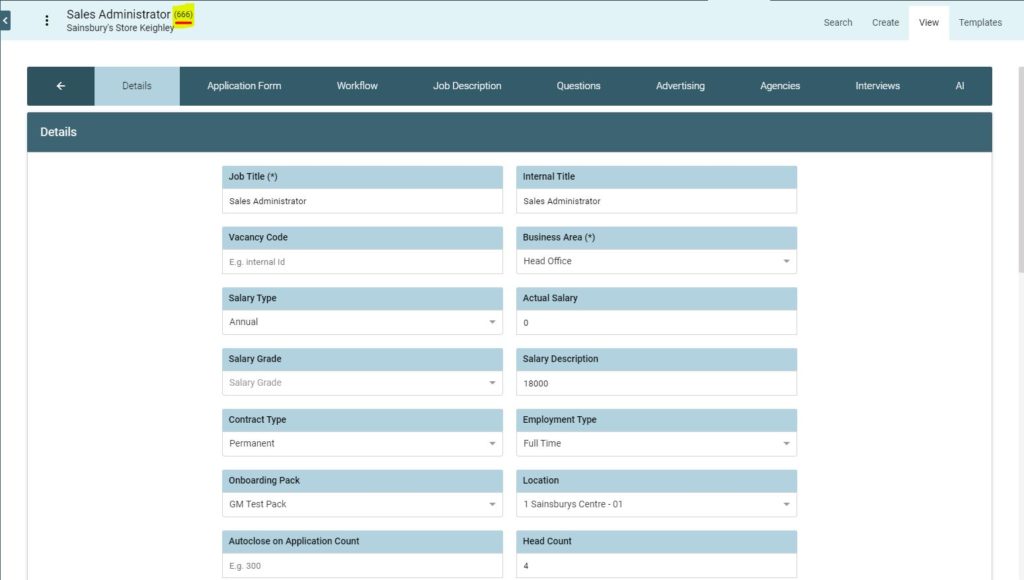
TIP: Alway note the vacancy ID number of your new vacancy for future reference