The request for Job Alerts is controlled under Settings > My Preferences.
If this option is switched on, then any job alerts matching the pre set criteria will be sent through to the app.
A notification will first be sent (depending on the user’s phone settings), then the alert will display under ‘Job Alerts’.
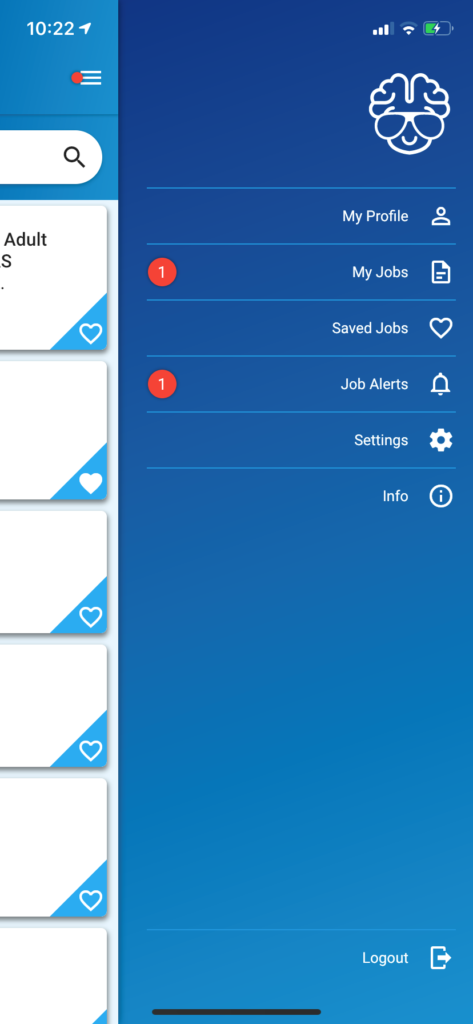
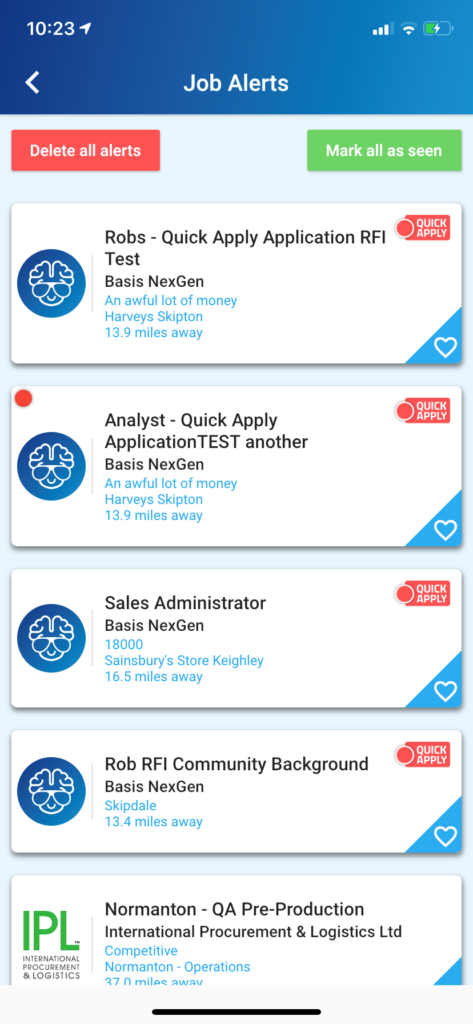
The new job alert refers to the vacancy shown with a red disc.
The alert will remain showing as outstanding until the [Mark all as seen] button is clicked.
Click [Delete all alerts] to remove the entire selection from this section.