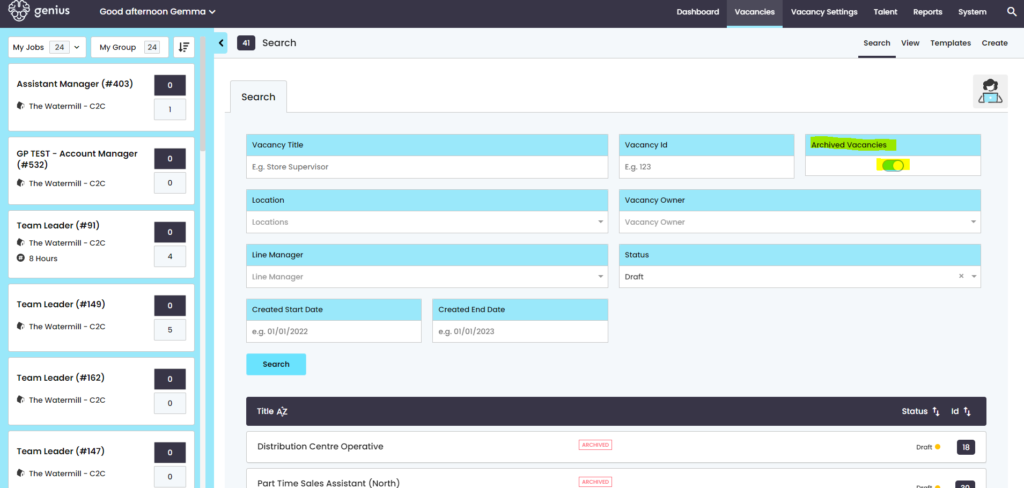
When a vacancy is ‘archived’ in the system, this means that:
- there can be no further changes made to the vacancy.
- The user can no longer view the vacancy or its applications / candidates
To Archive a vacancy, find and select the vacancy and click on it to view the details
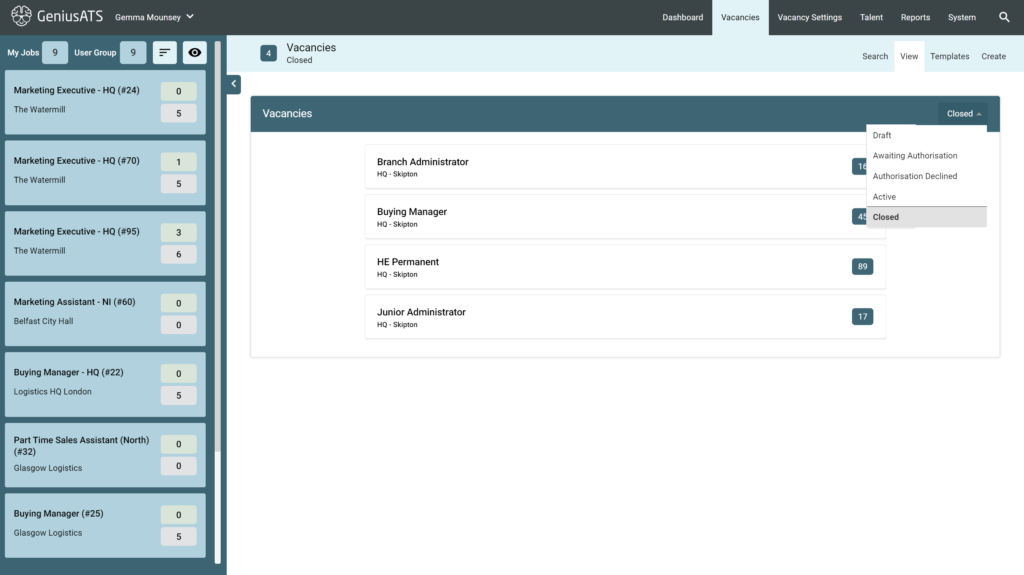
Once in the vacancy, click the three dots next to the Vacancy Title and click [Manage]
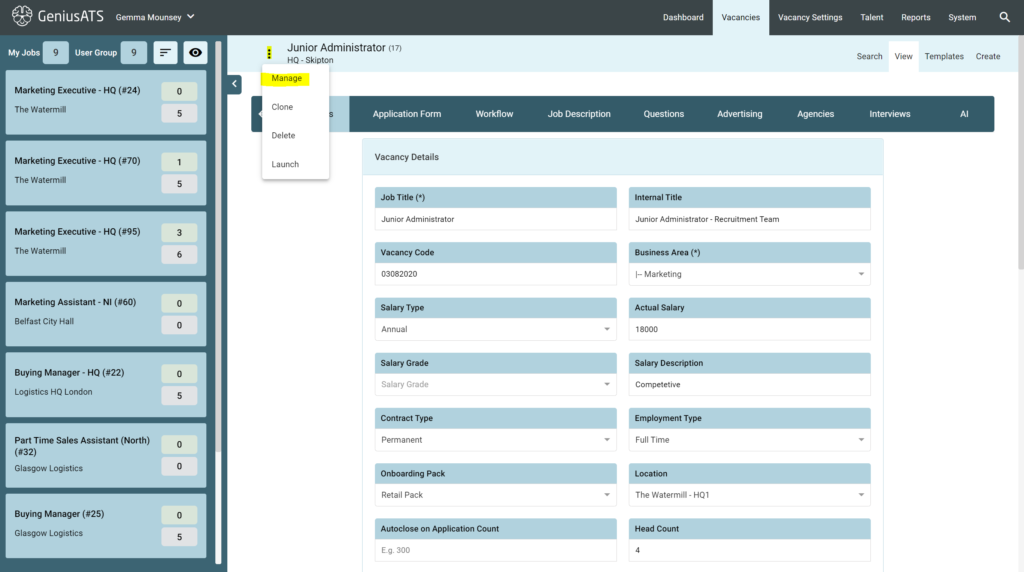
This takes you into the vacancy kanban view. Click on the three dots again next to the vacancy title and click [Archive Vacancy].
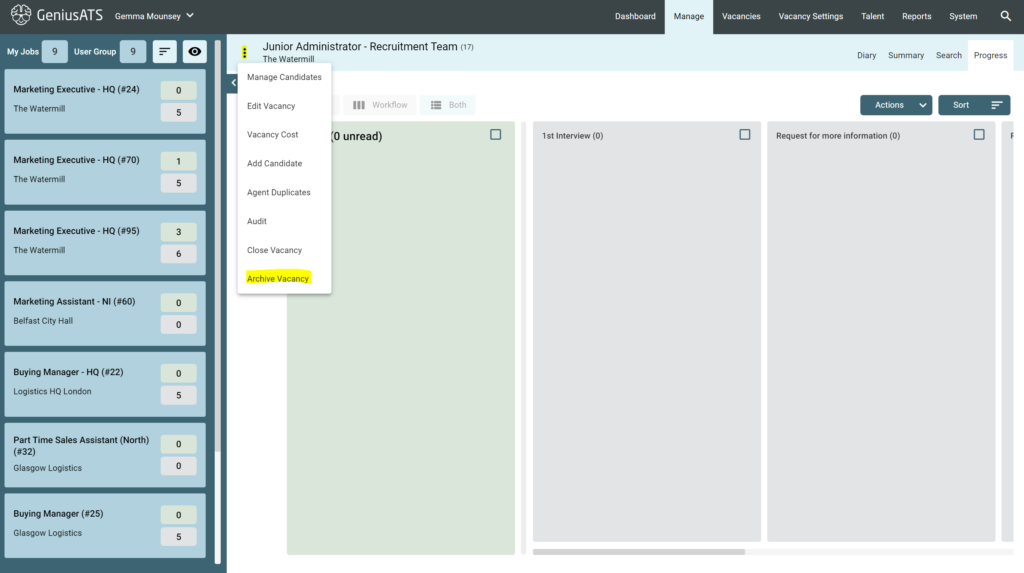
A pop up will appear, asking you to [confirm] or [cancel] the request
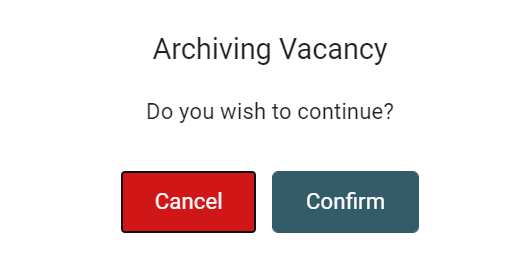
Clicking [Confirm] will archive the vacancy and the vacancy will no longer be accessible.
Bulk Archive
Option to Bulk archive is now available, please follow the below instructions:
Go to the vacancy search page
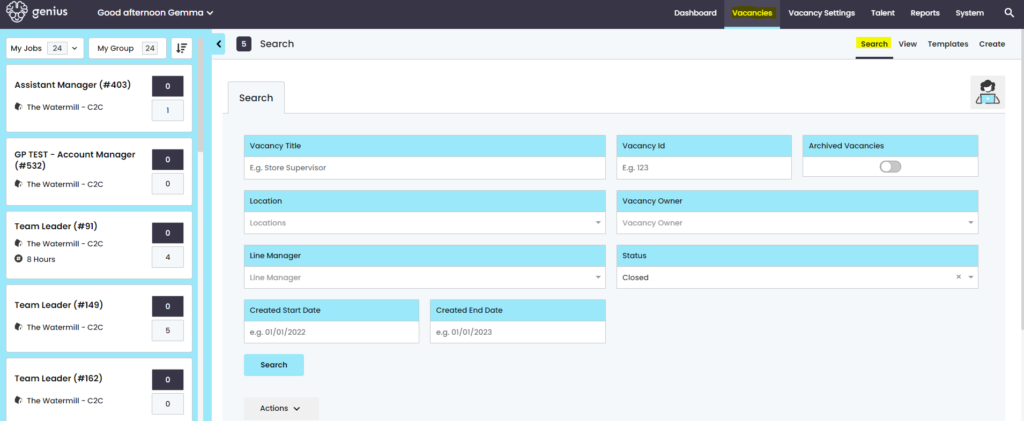
Select from the below status list; either:
- Closed
- Draft
- Awaiting Authorisation declined
Then click search, for a list of vacancies to appear, with a tick box next to them, from this there are list of things you can do wen you select the actions tab
- You can bulk select 10 at a time from the list, then archive the vacancies selected
- You can select one at a time (maximum of 10), then archive your vacancies
- You can deselect any vacancies you have selected within the list and start again
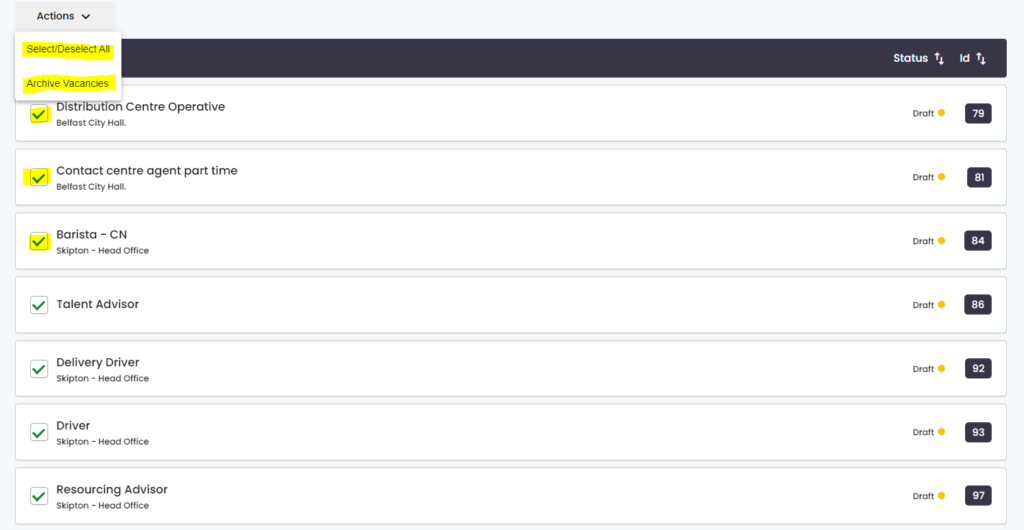
Once you archive the vacancy. you can then search for them from the archived vacancy toggle, from the search filters