The downloadable CSV reports (holds 6 standard system reports listed below and any bespoke reports that have been requested)
- Agent Performance
- Application Equal Opps
- Application Source
- Application Status
- Management Users Vacancies
- Vacancy Status
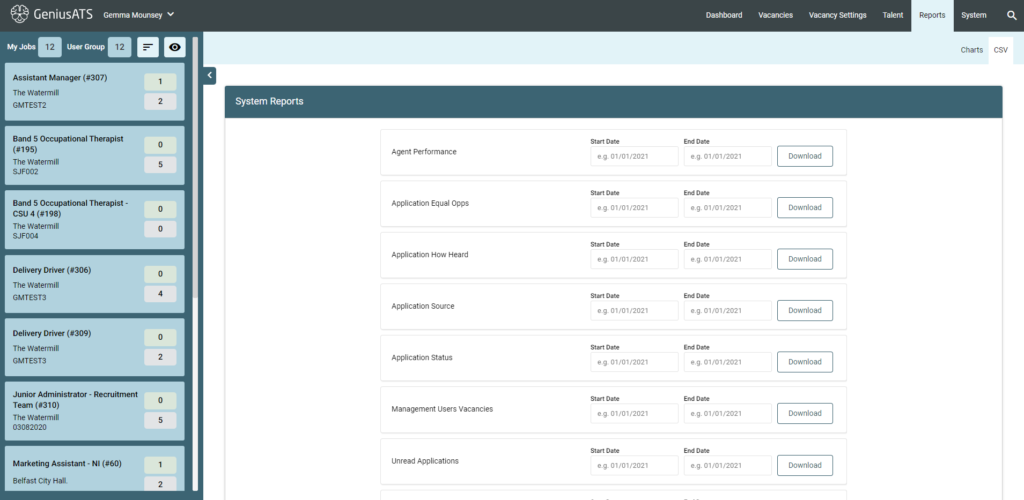
Users with the correct user permissions can view and download the reports as a CSV file.
The reportable information is based on the two chosen dates, so the information on the report is correct at the time of those dates.
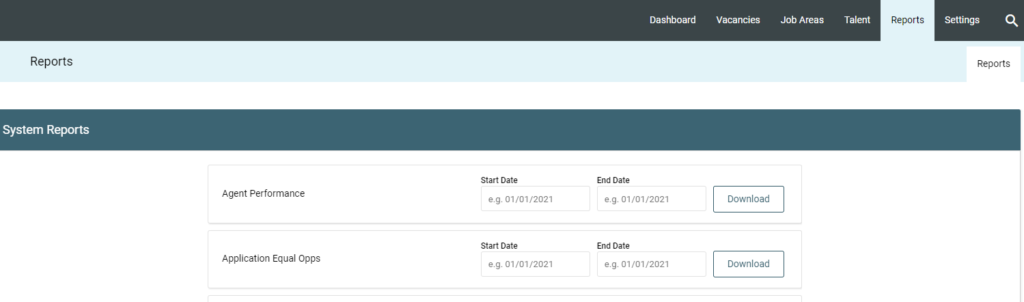
Users should select the correct date range in Start Date and End Date then click [Download].
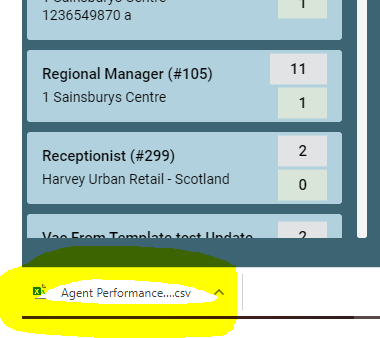
The document will open in an Excel spreadsheet, visible in your downloads section.
System Reports
These are dependant on your user permissions. You will not be able to view or download reports without the correct permissions.
NOTE: If you wish to add or amend any report, please send your request to clientsupport@genius.online confirming the column headings you wish to report on.
- Agent Performance – Shows how many CVs have been allowed and submitted by Agencies as well as how many successful offers and appointments have been made by Agency
- Application Equal Opps – Shows the information collected from applicants via their personal profile preferences
- Application Source – Shows the source that applicants have come through from to registering their information with your company
- Application Status – This report covers all application status’s set within your companies workflows
- Management Users Vacancies – Shows the status of the vacancy
- Vacancy Status – Shows vacancy information, including opening and closing times and number of applications