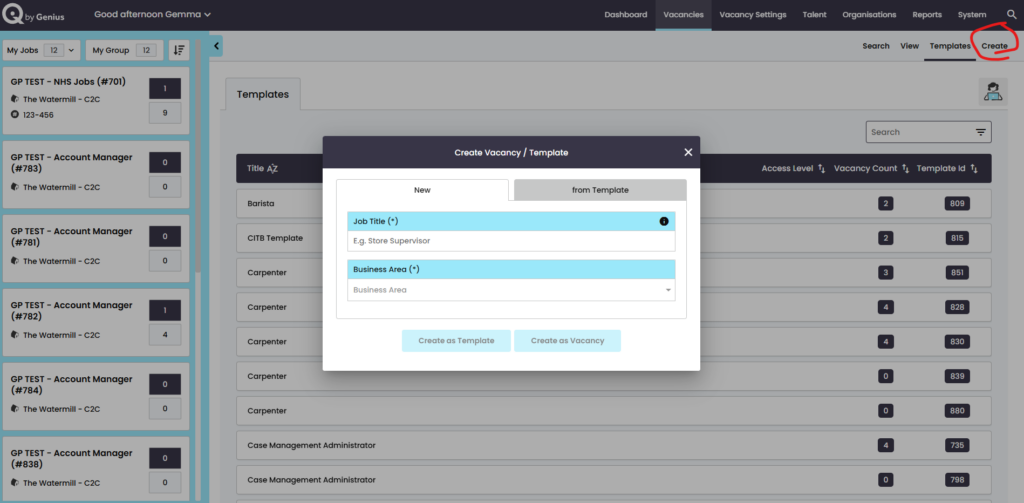
GeniusIQ provides the following options when creating a viewing vacancies:
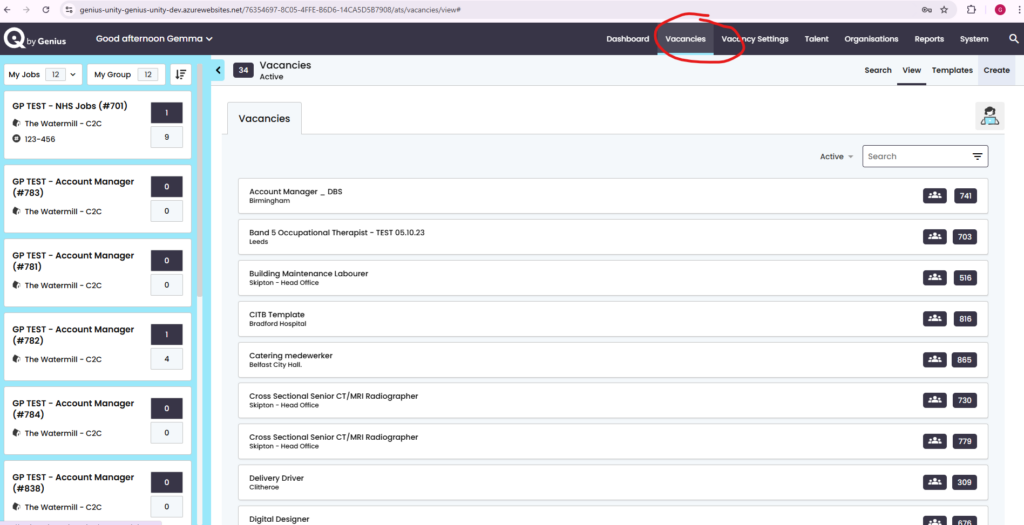
Vacancies can be viewed either
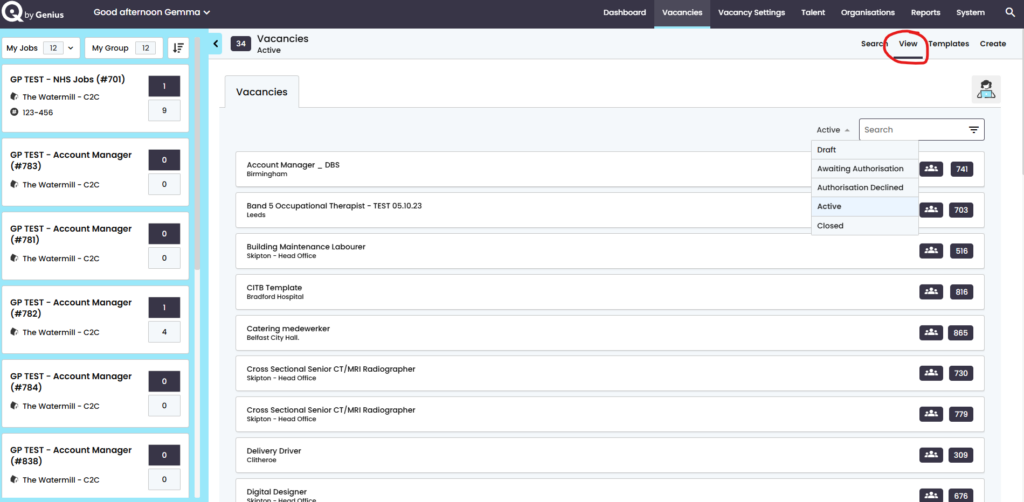
- View – gives the option to view the vacancy status options
- Draft
- Awaiting Authorisation
- Authorisation Declined
- Active
- Closed
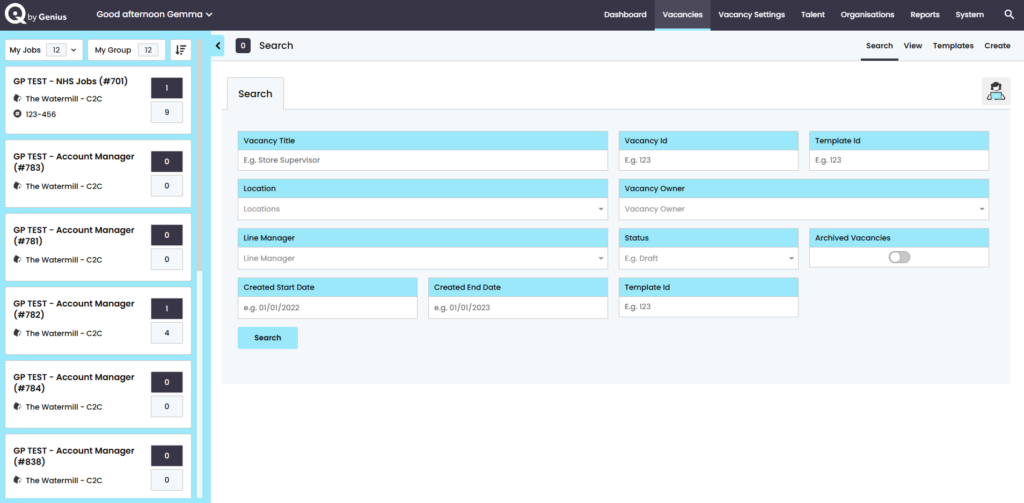
- Search – is great for looking for specific vacancies
- Vacancy Title
- Vacancy ID
- Template ID
- Location
- Vacancy Owner
- Line Manager
- Status
- Archived Vacancies
- Created Start Date
- Created End Date
- Template ID
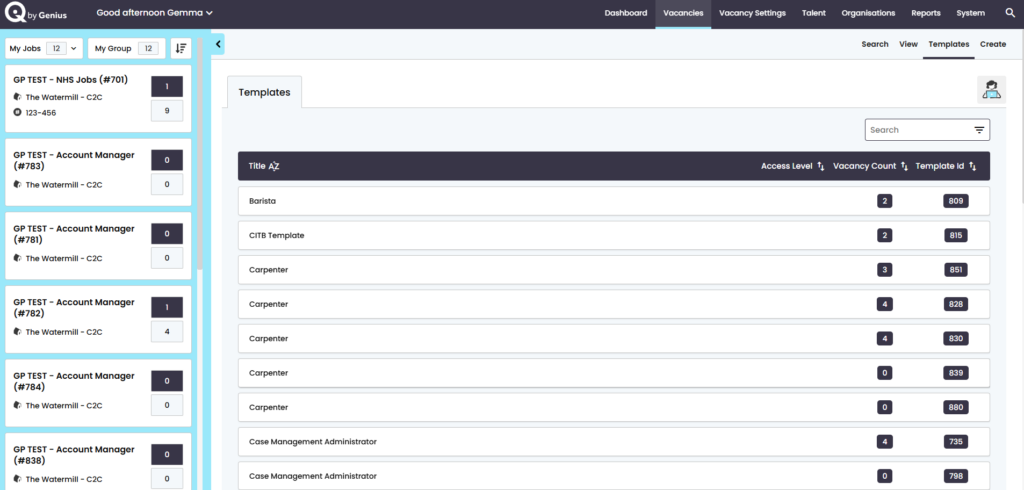
- Templates – list of the templates created by yourselves to update as you need
- Create – refer to specific page https://userguide.geniusiq.co.uk/docs/settings/vacancies/