GeniusIQ offers the user a ‘global search’ function, to find email addresses, names, vacancies and so on.
Type, then click enter/search
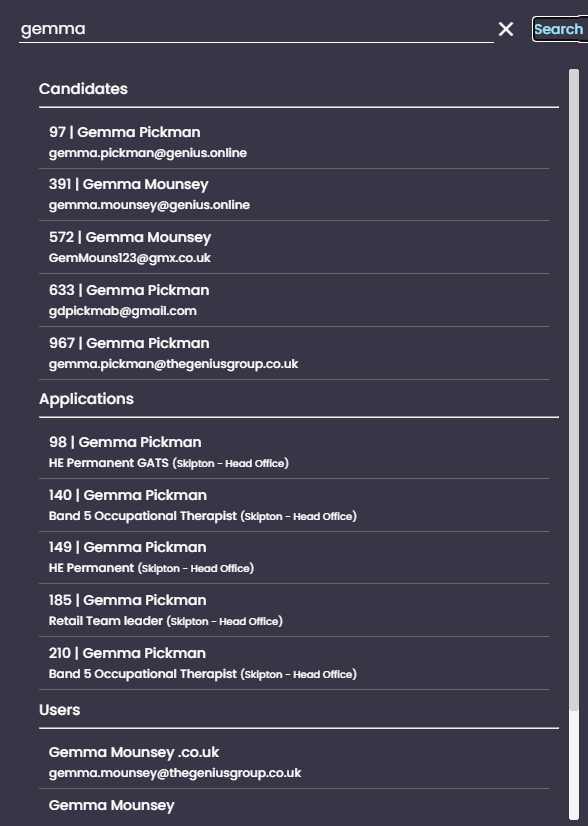
The search results are split out so you can see where your search is in the system with in the following areas:
- Candidates
- Applications
- vacancies
- Users
And will show 5 results in each section, this is a random order
To close the search, click [X].