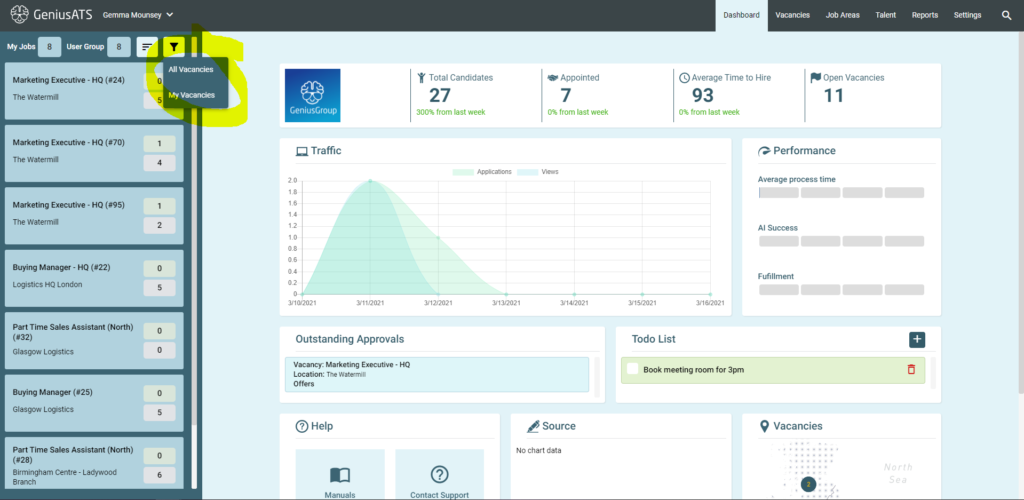
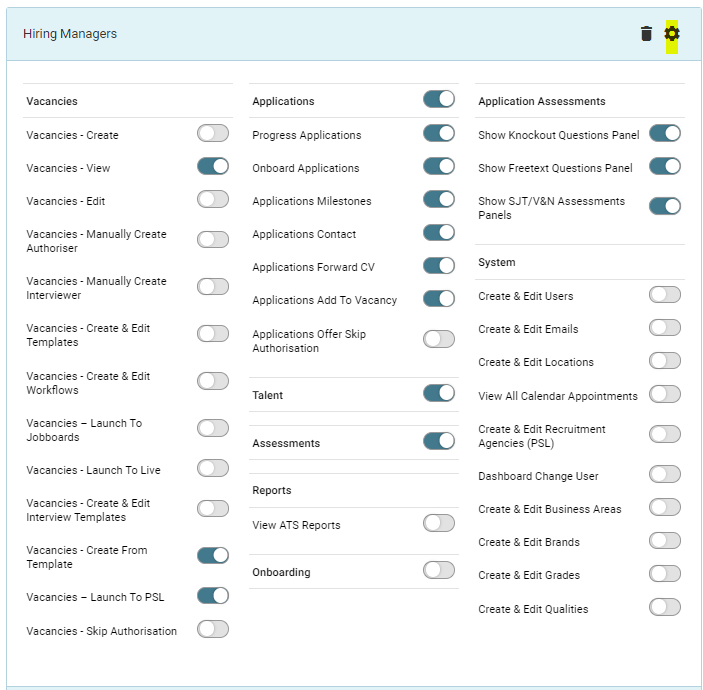
When viewing vacancies in the GeniusATS, the user must have the correct permissions set in their user and user group settings. When the system is set up and the users added this should be configured and tested to ensure the correct functionality is available to the user.
Group Settings
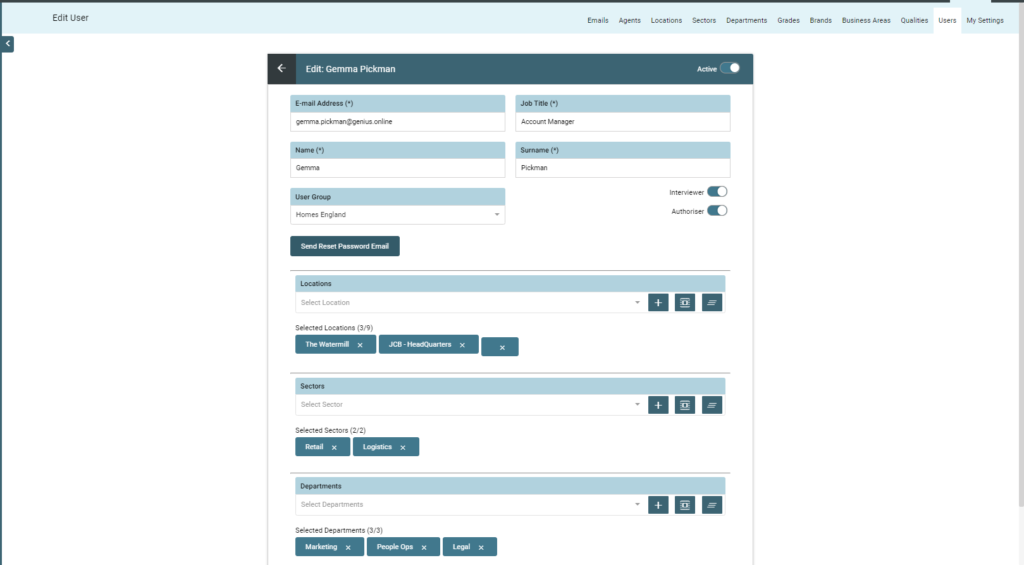
User Settings
The user settings can filter on specific Locations, sectors and Departments for the user
View Vacancies
To view vacancies you can select view ‘My Vacancies’ or view ‘All Vacancies’
NOTE: View All Vacancies – means the vacancies the user has permission to see – not necessarily all vacancies in the system