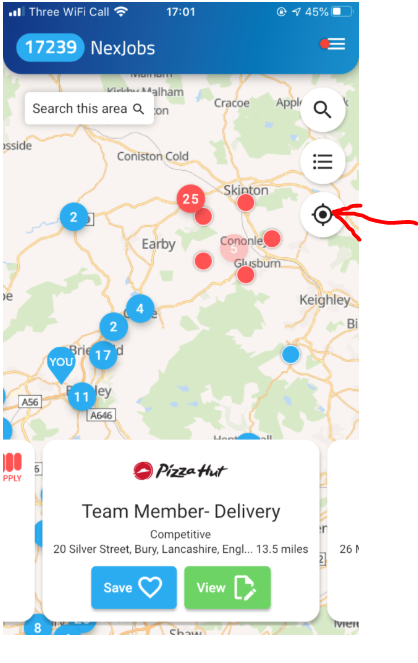
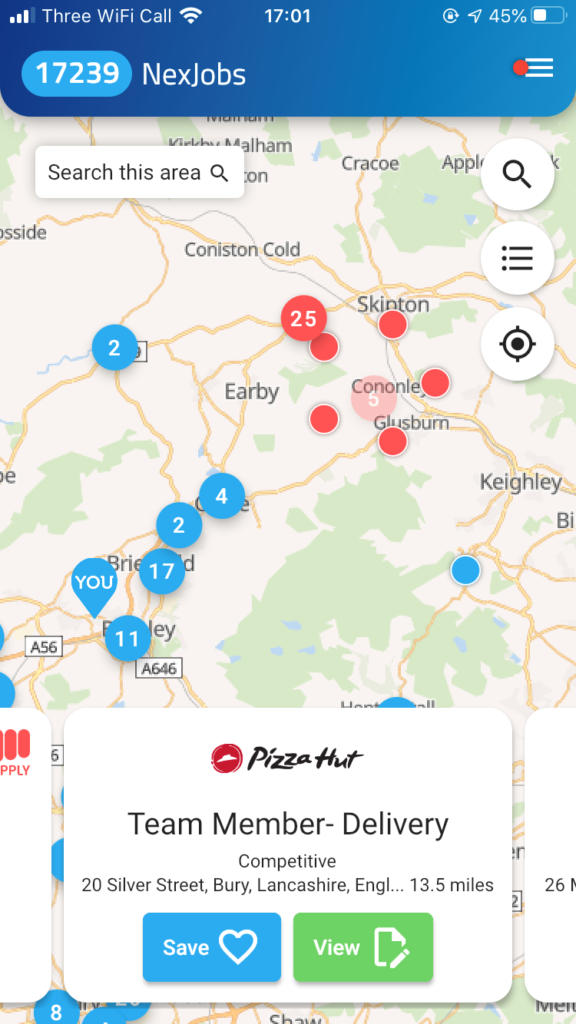
The map will display all vacancies corresponding to your current physical location. The default radius for the initial job search is set at 15 miles. You can move around the map, and zoom in or out to see additional job vacancies.
The job alerts in red are quick apply vacancies. The alerts in blue are external vacancies.
The total number of current live vacancies is also displayed. You can further filter these by clicking on the magnifying glass icon.
Click the magnifying glass to filter your job search by;
- Freetext to enter a Job Title, Company Name etc
- Filter by All Jobs, Full Time or Part Time
- Distance
- Salary
- Companies (Here you can specifically choose to view vacancies of another GeniusATS client)
- Time Posted
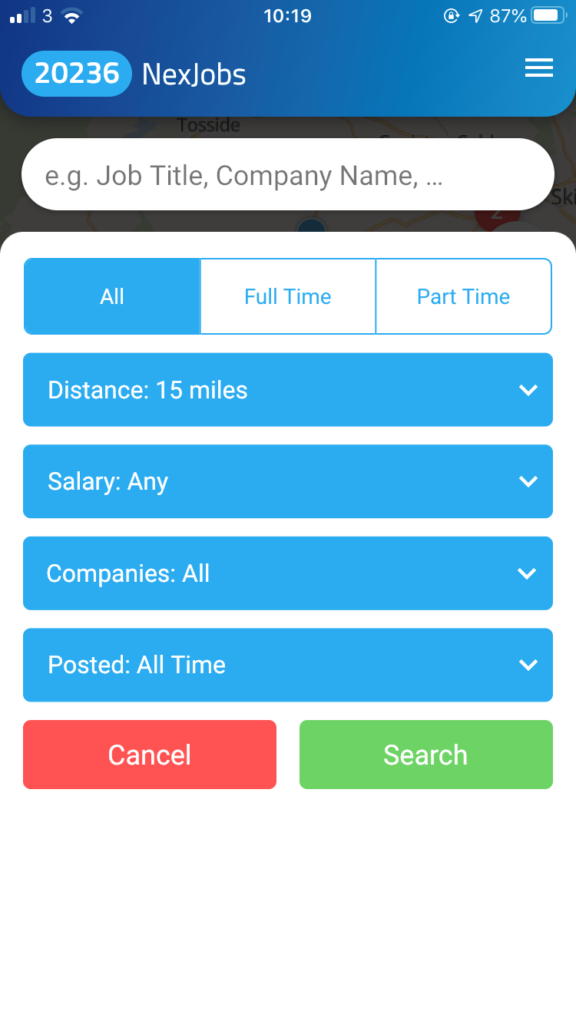
Enter as many filters as you like then click to [Search], or [Cancel] to take you back to the vacancy map.
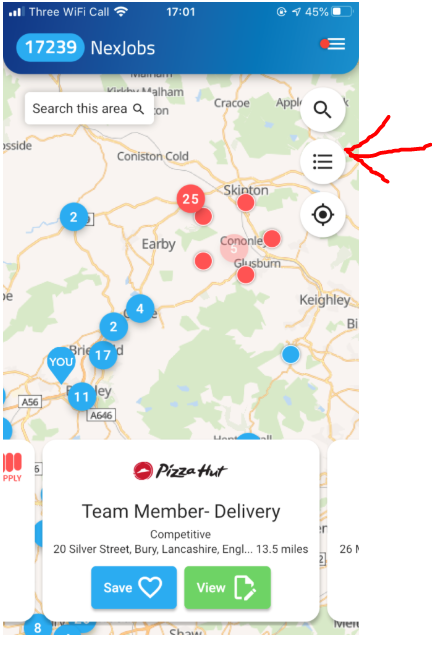
The next icon on the homepage, below the magnifying glass, displays a list of jobs that mirrors the search results found on the map view. It can be used to compliment the map or can be used on its own. The jobs are listed in order of nearest to farthest away from your search location. Any filtering on the map is carried over to the list and any filtering on the list also applies to the map.
The last icon will take the job search back to your current physical location, to trigger a new vacancy search.