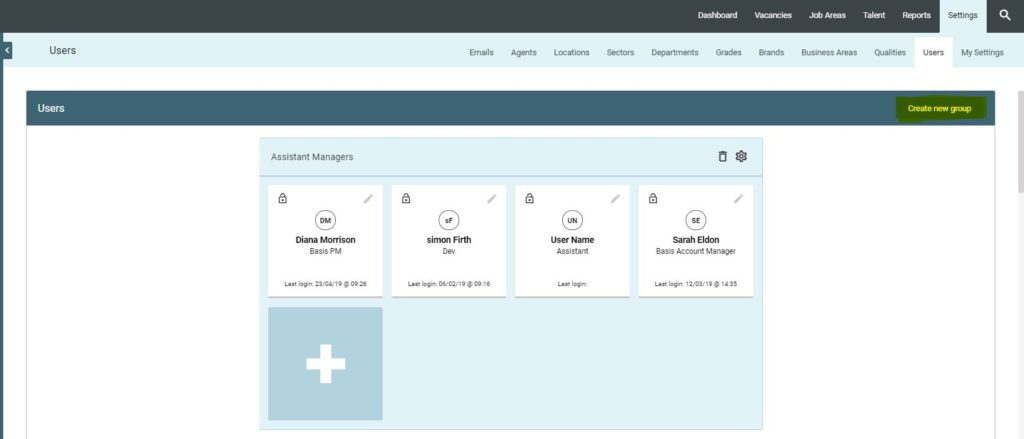
Create and manage unlimited ‘User Groups’ and ‘Individual Users’ in this section. The GeniusATS offers self-management of system users, creating, defining permissions, restricting control panel users.
Create New Group
Click on the [Create New Group] button
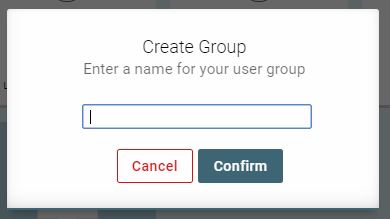
A pop up will appear – Add the name of your new group & click [confirm] to continue or [cancel] to cancel the new group
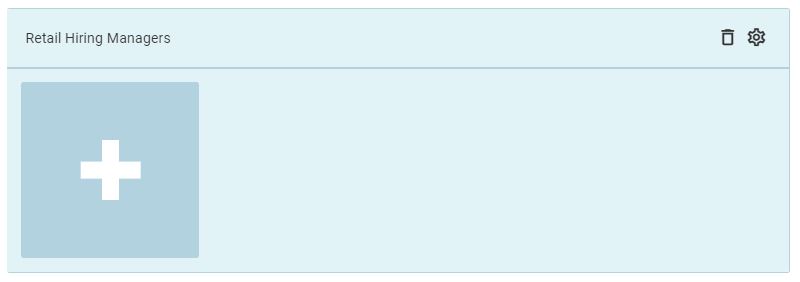
The new group will now be listed in the user groups and is ready to add users and adjust the groups user permissions
Group Permissions
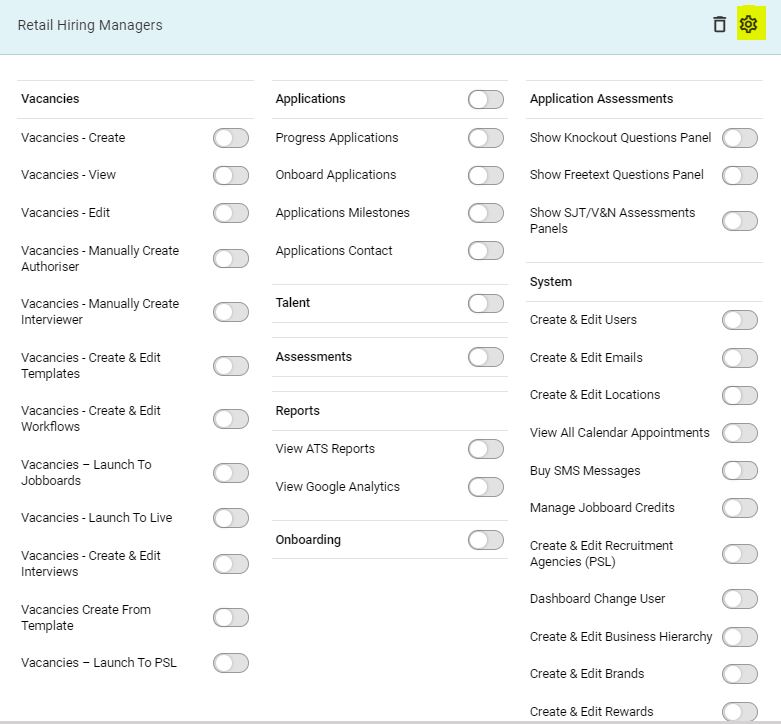
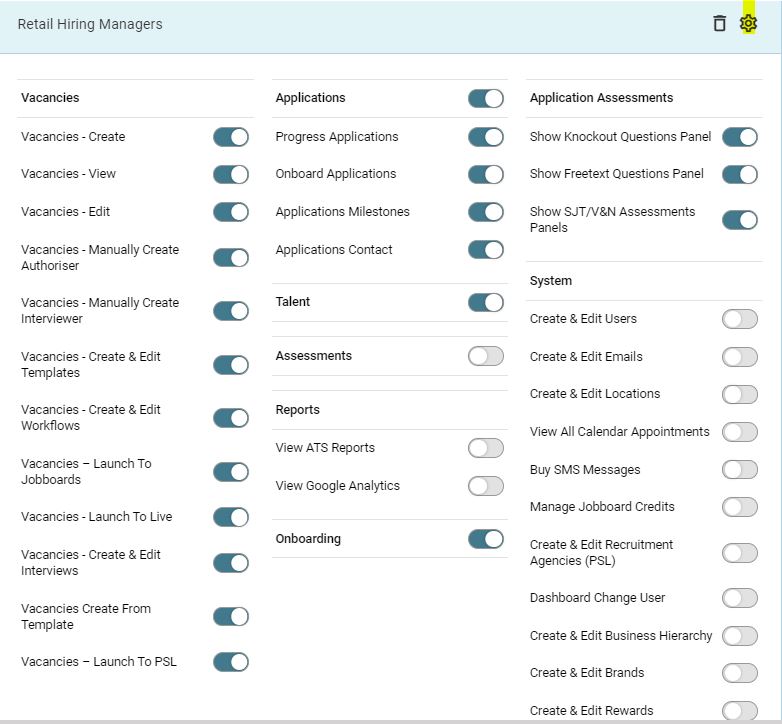
To manage a user groups permissions, click on the cog in the top right hand side of the group and the permissions panel will open.
All toggles are [off] as a default and should be turned on, in accordance with the requirements for that specific group.
IMPORTANT:
The permissions should be set for the group BEFORE any users are added as an email will be sent to the new users asking them to login as soon as you create them and they will not be able to see or do anything without the permissions being set.
Deleting a User Group
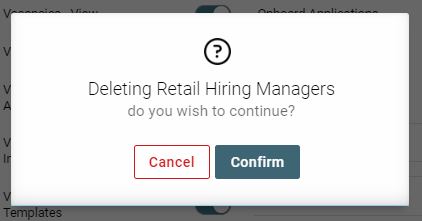
To delete a user group, click on the [bin] icon within the top right-hand side of the group.