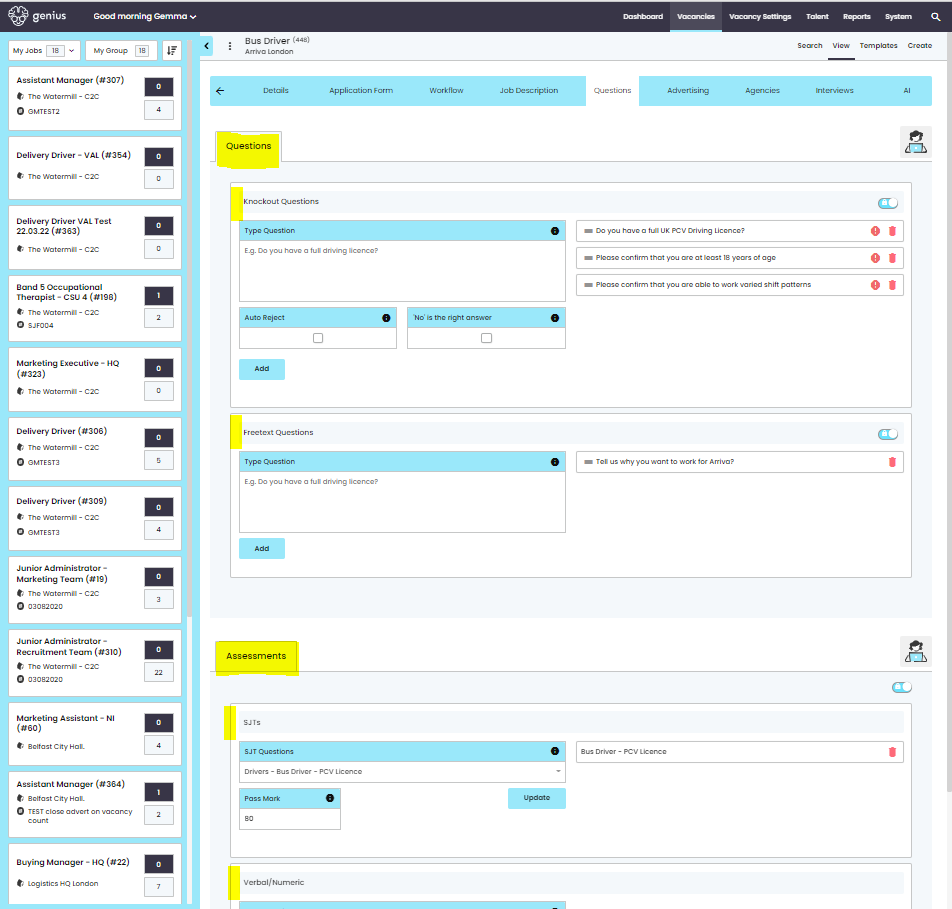
As part of a vacancy you can ask your applicants a variety of questions, such as:
- Knock out Questions
- Freetext Questions
- Situational Judgement Test (SJT)
- Verbal & Numeric Test (V&N)
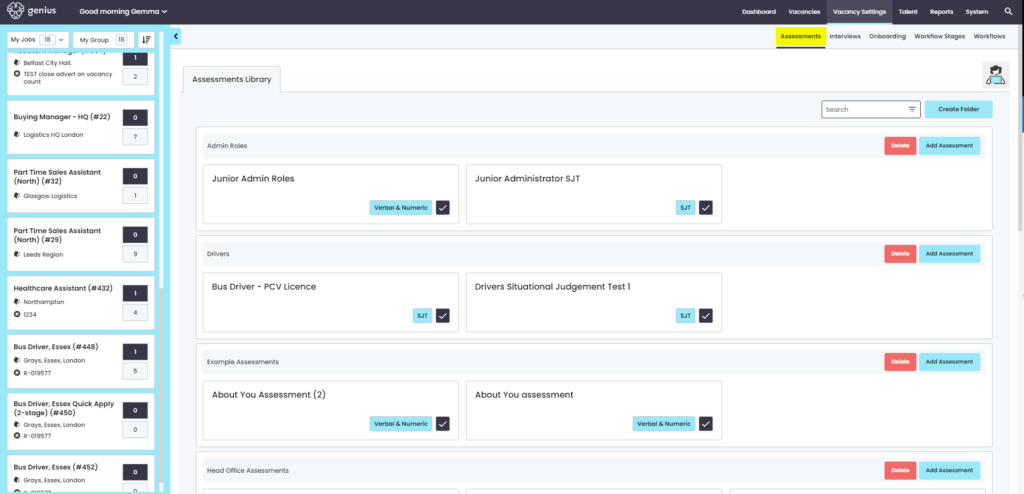
You need to create any SJT’s / Verbal & Numeric questions before you can assign them to a vacancy template.
Rules: Create/Edit Assessment
- Name field – limited to 50 characters
- Question – limited to 1,000 characters
- Response – limited to 500 characters
- Knock Out Question- limited to 1,000 characters
- Free Text Question – limited to 1,000 characters
Knock Out & Freetext
Knock out and Freetext questions are added per vacancy under the [Questions] tab of the vacancy template.
You can add multiple KO questions to a vacancy template
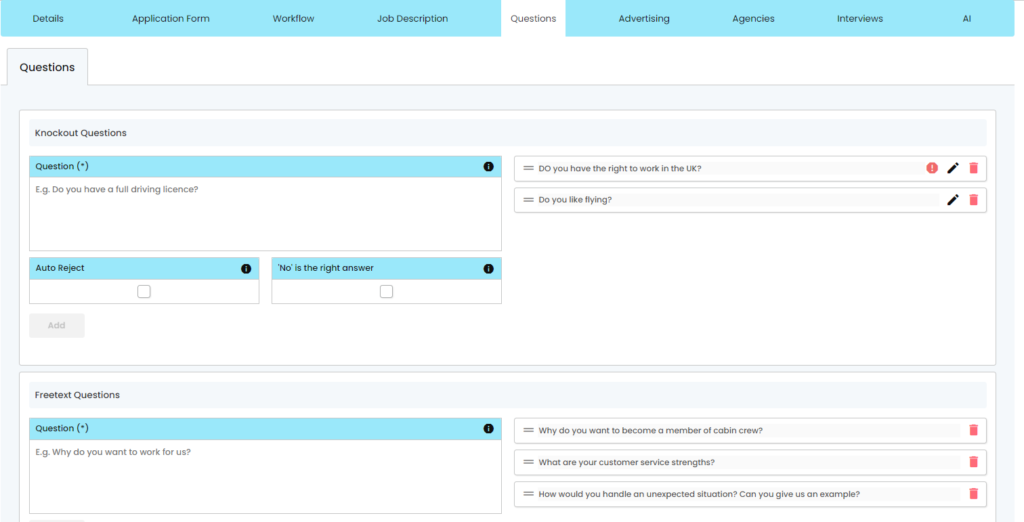
Knock out questions contain the following functionality, where the only answers that can be given by a candidate are [Yes] / [No]
- Auto Reject – When this is ticked and a candidate answers [Yes], they will be rejected (with a delay of 24hrs)
- ‘No’ is the right answer – When this is ticked the candidate can tick [Yes] and they will not be rejected, if [No] is ticked then the candidate will be rejected (with a delay of 24hrs)
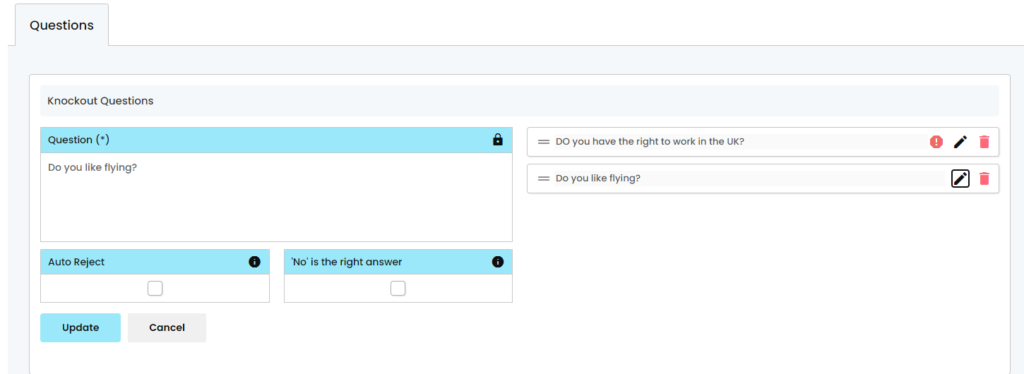
- You also have the ability to to edit the above if you select the incorrect tick box
SJT / V&N Tests
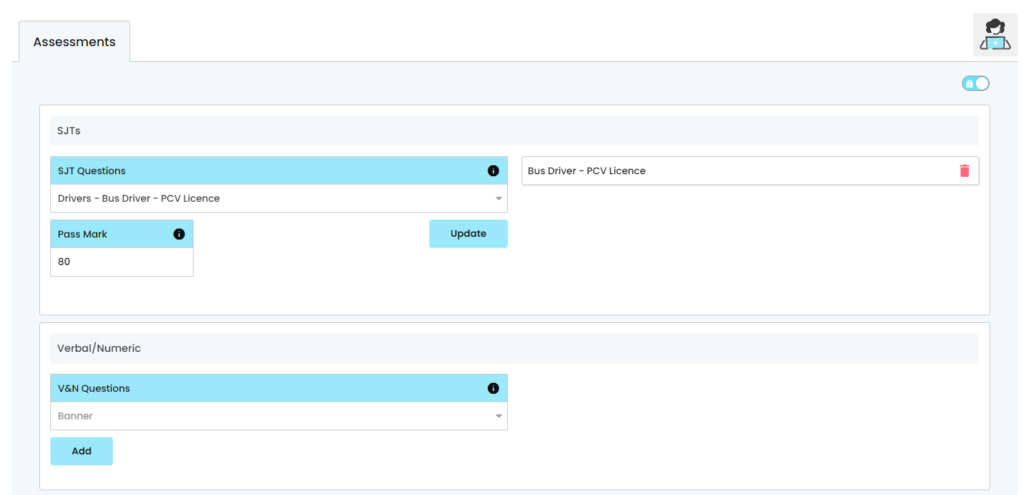
Both Situational Judgement Tests (SJT) and Verbal & Numeric Tests (V&N) are created in the [Job Areas] > [Assessments] section of the control panel and can be associated to a vacancy via a drop-down list within an individual Vacancy Template.
Click here to see how to create an Assessment