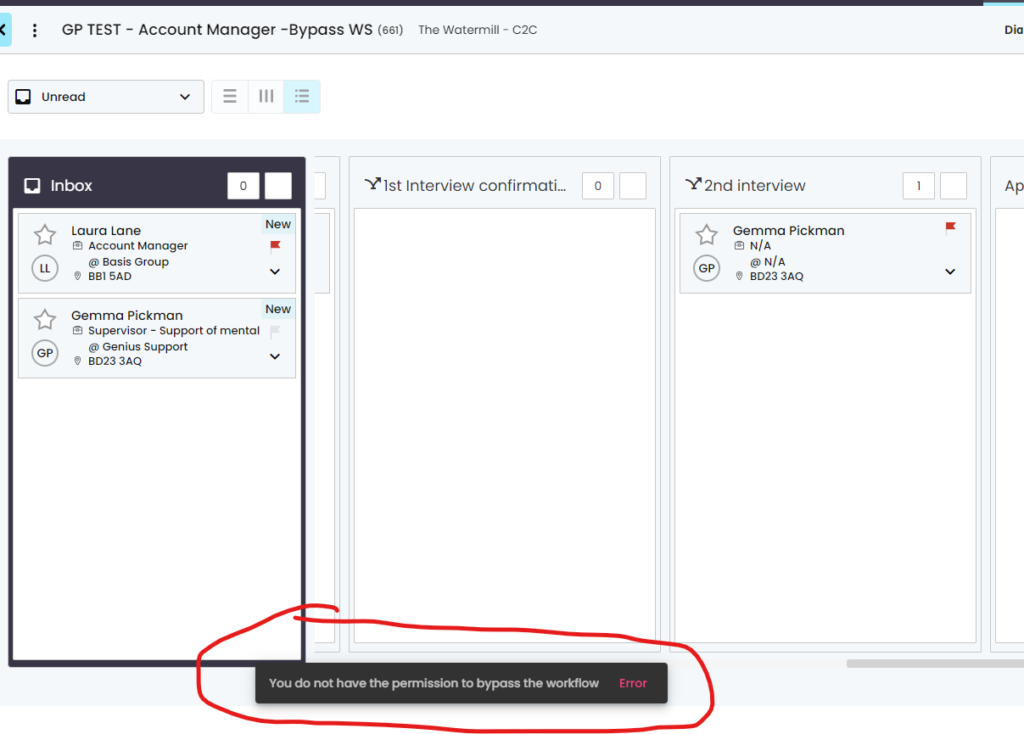
This added functionality gives you the ability to make workflow stages compulsory, this means the user (without the permission to do so) cannot bypass a certain workflow, they have to follow the process you have made.
Firstly you need to ensure the correct permission has been set
- Off – the user must follow the workflow stages flow, where compulsory has been selected
- On – You are given the permission where you can bypass the compulsory stages.

Setting the compulsory option in the workflow stages
- You will notice the icon that runs across the system – this shows the stage is compulsory
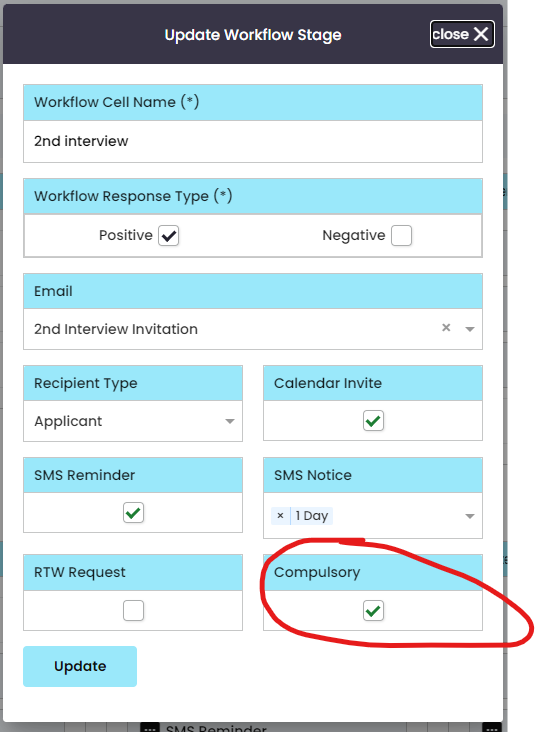
- You will need to edit your workflow stage and tick if you want to make it compulsory for the user
- Offer will need to be set here at Genius so place a request to clientsupport@thegeniusgroup.co.uk
Note: When setting the workflow stage as compulsory it will update the workflows across the system.
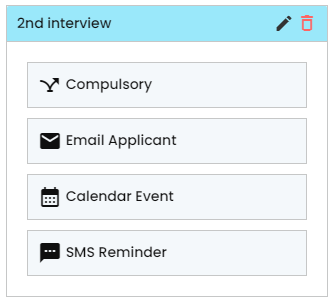
Viewing this in the workflow itself where you manage candidates, will show what stages have been set as compulsory.
- If the user does not have permission then the system will advise them