Access to GeniusIQ is restricted to authorised users of the system only.
If you require a login to GeniusIQ please contact your internal manager to request access to the system.
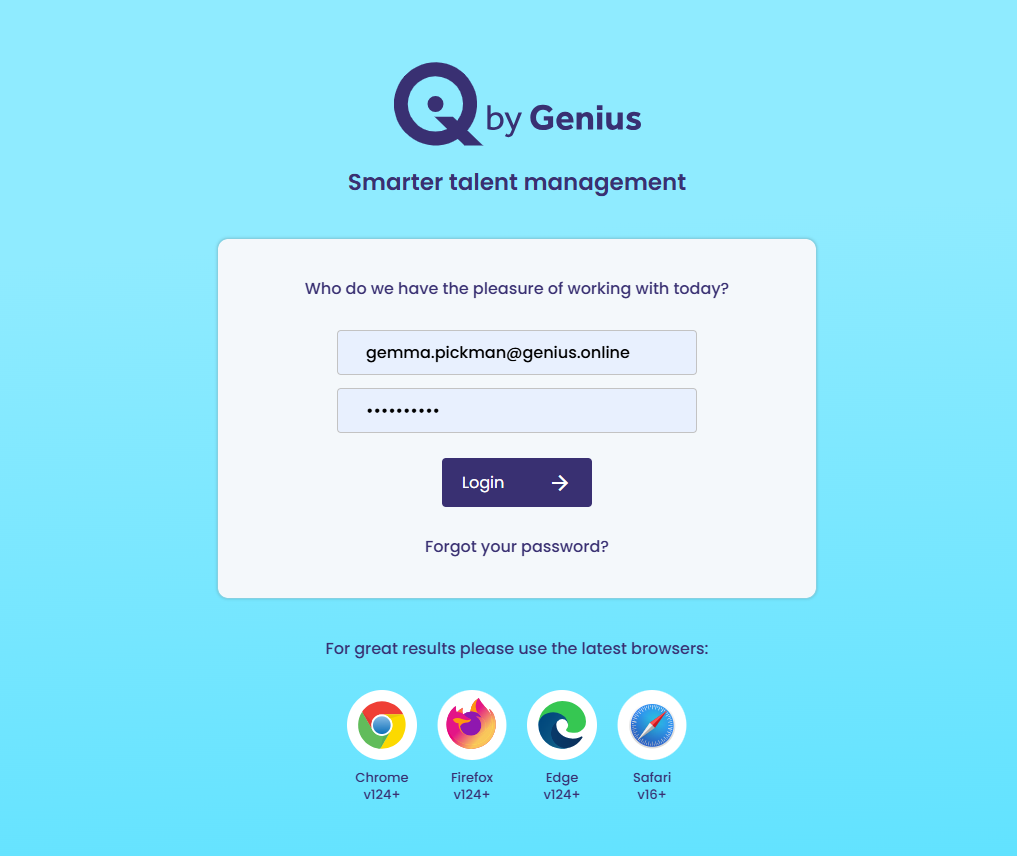
You will be sent an email with a link to the ATS where you will set up your own unique password. Your username will always be your email address.
Password Criteria:
* At least 8 characters
* A letter and a number
* A non alpha numeric character e.g. !
* Must not have been used before
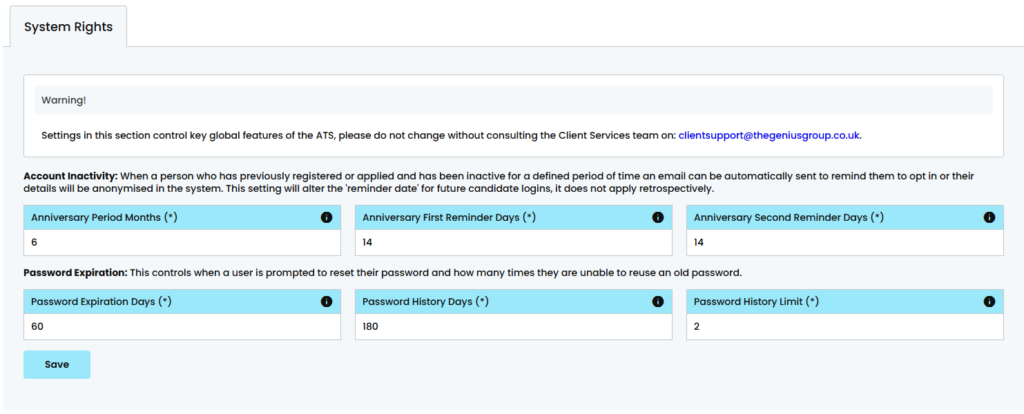
Password Expiration & History
Password Expiration Days = 60
(i.e. after how many days the password expires)
Password History Days= 180
(i.e. after how many days can you reuse an old password)
Password History Limit = 6
(i.e. after how many times do you need to change your password before you can reuse an old one)
However if you have [System Rights] permission you can alter the above settings
Forgotten Password? No problem, just go to the login screen and click the [forgotten password link] and you will be sent an email to re-set your password. Alternatively, a control panel user (with user access) can send you another link from the [Users] section of the control panel.