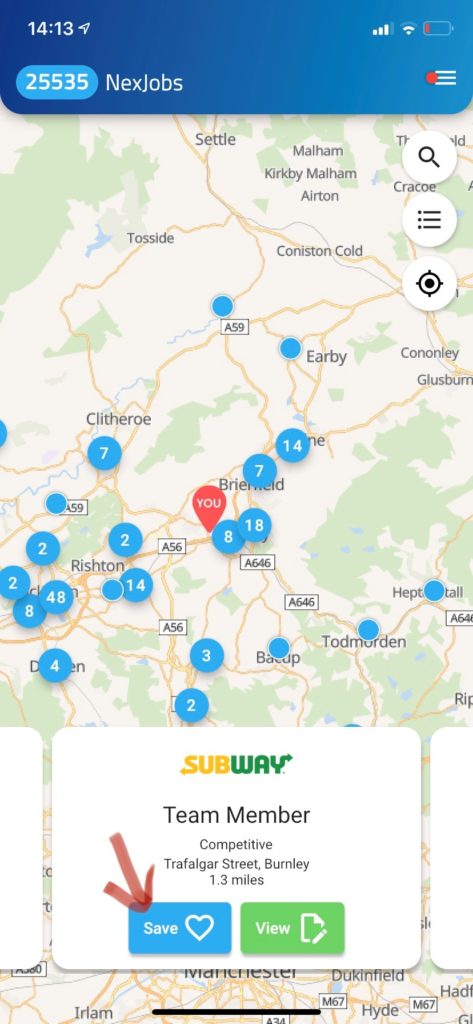
When viewing a vacancy, click the ‘Save’ icon displayed as a heart icon, and quickly access these details again under Saved Jobs.
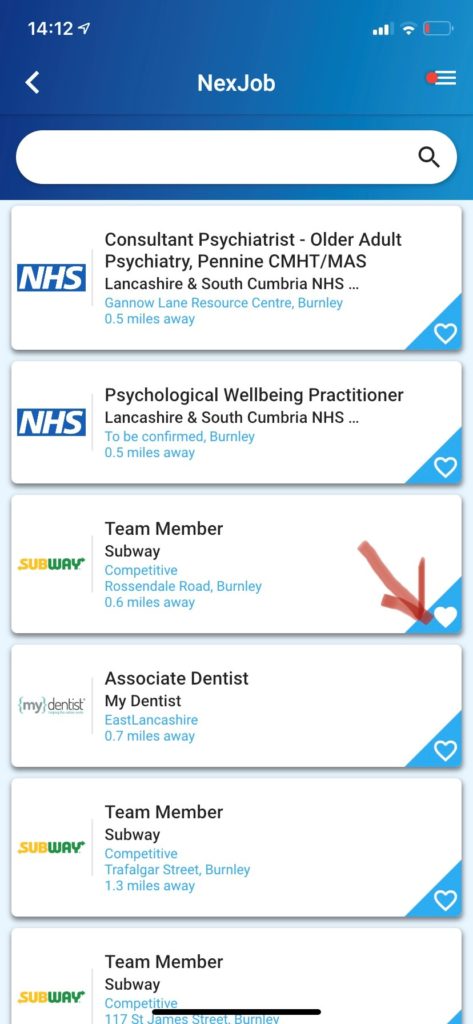
You can also do this from the list view;
From here you can then manage the vacancy as you normally would, and find out more details or apply for the position.
Some vacancies will allow you to apply directly through the app – do this by clicking [Apply] and following the on screen instructions.
Other vacancies will direct you away from the app when you click [Open] within the vacancy.